Lotus365 Email Verification Not Working Fixes and Privacy Tips
You signed up on Lotus365, waited for the verification email, and nothing arrived. Or maybe the link arrived but stopped working by the time you clicked it. This is one of the most common complaints from Indian users of online gaming and betting platforms, and the fix is usually simpler than it looks.
This guide explains the real reasons behind Lotus365 email verification problems and walks you through exactly what to do, step by step.
Legal notice for Indian readers: Lotus365 is an offshore betting platform. As of 1 May 2026, India’s Promotion and Regulation of Online Gaming Act, 2025 bans all online real-money games. The Ministry of Electronics and Information Technology MeitY has blocked over 600 betting and gambling-related URLs in 2024-25, with another 350-plus blocked in Q1 2026. Lotus365 holds a Curacao licence, which Indian authorities do not recognise. Using such platforms carries legal risk that varies by state. Please consult a legal advisor and check your state’s specific rules before proceeding.
Why Is Your Lotus365 Verification Email Not Arriving
Before jumping to fixes, it helps to understand what is actually going wrong. Email verification problems on platforms like Lotus365 usually fall into one of four categories.
The email went to your spam or Promotions folder. Most Indian users check Gmail. Gmail automatically sorts certain emails into the Promotions or Spam tab, and transactional OTPs from offshore platforms are especially likely to land there. Yahoo and Outlook accounts have similar junk filters.
You entered a small typo in your email address. A missing dot, an extra character, or a wrong domain typing .co instead of .com, for example means the OTP goes to a completely different address. This is more common than people expect, especially when filling out forms quickly on a small mobile screen.
The OTP has already expired. Most email OTPs stay valid for only 10 to 15 minutes. If you waited too long before entering the code, it will not work even if you find the email.
The platform’s email server is delayed or temporarily blocked. Platforms operating from offshore servers sometimes face delivery delays into India due to network routing. In certain cases, ISPs may also filter connections to those servers.
How to Fix Lotus365 Email Verification Problems
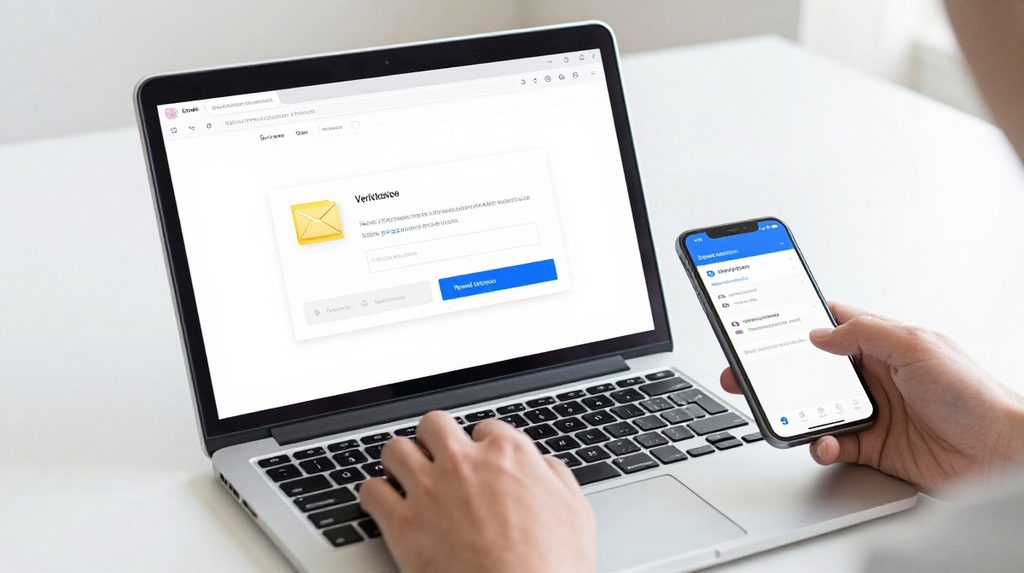
Work through these steps in order. Most users find the solution within the first two or three steps.
Check all your email folders first. Open your inbox and look in the Spam, Junk, Promotions, and Social tabs, not just the main inbox. In Gmail, the Promotions tab is the most common place for these emails to land. When you find the email there, open it and mark it as Not Spam. This also helps future emails from the platform arrive directly in your inbox rather than getting filtered again.
Verify the email address you used during registration. Go back and confirm what email ID you entered during the lotus365 signup process. A single wrong character means the OTP was sent to a non-existent or someone else’s address. If there was a typo, you will need to register again with the correct email.
Request a new OTP. Go back to the verification screen and tap Resend OTP. Wait at least 30 seconds before requesting again. When the new code arrives, enter it immediately. Waiting even a few minutes can cause it to expire. Use only the latest OTP since any earlier ones become invalid the moment a new one is sent.
Switch to a different email provider. Corporate or institutional email addresses are often blocked by company IT systems, and many of these systems filter out emails from offshore domains. Try using a personal Gmail account instead. Gmail tends to deliver these platform emails more reliably than most other providers in India.
Check your internet connection. A weak or unstable connection on your phone can cause the verification request to fail before it reaches the server. Try switching from mobile data to Wi-Fi, or the other way around, then request the OTP again. A simple network switch has solved this problem for many users.
Clear your browser cache and cookies. If you are accessing the platform through a browser, old session data can interfere with the verification process. In Chrome on Android, go to Settings, then Privacy and Security, then Clear Browsing Data, and select Cookies and Cached Images. On iPhone, go to Settings, then Safari, then Clear History and Website Data.
Try a different browser or device. If nothing has worked, open the platform in a different browser Firefox or Chrome or on another phone entirely. If the lotus365 login page loads and sends the OTP successfully from a different device, the earlier issue was most likely a browser or app glitch on your original device.
Privacy Tips When Sharing Your Email With Lotus365
Providing your email address to any online platform means sharing personal data, so a few precautions are worth taking.
Use a secondary email account. Create a separate Gmail address that you use only for online platforms like this. If the platform ever suffers a data breach or sells user data, your primary inbox and the accounts linked to it stay protected. It also keeps your main inbox from filling up with promotional emails.
Know your rights under India’s data law. The Digital Personal Data Protection Act 2023 gives Indian citizens the right to know what personal data a platform holds about them and to request its deletion. You can read about your rights on the Ministry of Electronics and Information Technology’s official website. Keep in mind that offshore platforms may not comply with Indian law, which is one more reason to limit what you share.
Never reuse your main email password. Create a separate, strong password for any account on a betting or gaming platform. A password manager such as Google Password Manager or Bitwarden makes this easy to handle without memorising multiple passwords.
Watch out for phishing emails. After verifying your email on any betting site, you may receive promotional emails, some of which could be fake imitations designed to steal your login details. Do not click on links in unexpected emails. Instead, type the website address directly into your browser’s address bar.