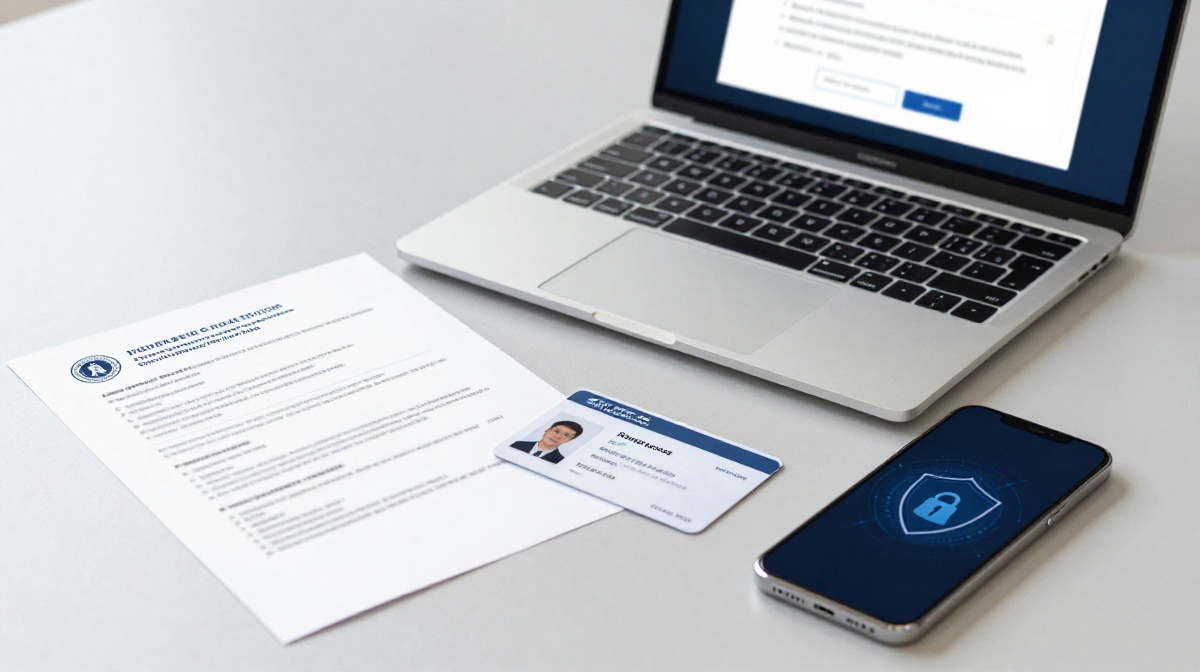
Lotus365 Account Verification Documents & Safety Checks
A common situation for Lotus365 users across India you have a balance in your account and want to withdraw it, but the screen shows KYC verification required. This blocks your withdrawal until you complete identity verification. Knowing which documents to keep ready, and what safety steps to follow before you upload any ID, saves time and protects your personal data from misuse.
Before you begin, please note: Lotus365 and similar platforms operate in a legal gray area in India. There is no central law that specifically governs online sports betting, and some states including Telangana and Andhra Pradesh have passed their own restrictions on online gaming. Check the rules in your state before registering. You must be at least 18 years old to use this platform. Online betting carries real financial risk, and you should only use money you can genuinely afford to lose.
What Is KYC and Why Does Lotus365 Ask for It?
KYC stands for Know Your Customer. It is a process that confirms you are a real person and that the name on your account matches a government-issued document. Lotus365 holds a Curacao gaming licence, and that licence requires identity verification as part of its anti-fraud rules. In plain terms, you can register, deposit, and place bets without completing KYC, but you cannot withdraw your balance until verification is approved.
The practical advice here is simple: complete your verification as soon as you open the account. Many users discover the KYC requirement only when they want to withdraw, which means their funds are held up during a 24 to 48 hour review window. Doing it early removes that obstacle entirely.
Documents Required for Lotus365 Account Verification
Lotus365 asks for two types of documents: proof of identity and proof of address. For Indian users, these are the standard options:
| Document Type | Accepted Options |
|---|---|
| Identity Proof | Aadhaar Card front and back, PAN Card, Passport, Driving Licence |
| Address Proof | Aadhaar Card with current address, Utility bill not older than 3 months, Bank account statement |
Your Aadhaar Card typically covers both categories in one go, since it carries your photograph, date of birth, and residential address. The PAN Card works well as secondary identity proof, and some platforms require it specifically for higher withdrawal amounts.
One detail that causes more rejections than anything else: the name on your documents must match the name on your Lotus365 account exactly. A small difference between Anil Kumar and Anilkumar is enough to get your KYC flagged. Double-check this before you submit.
How to Submit Your Documents
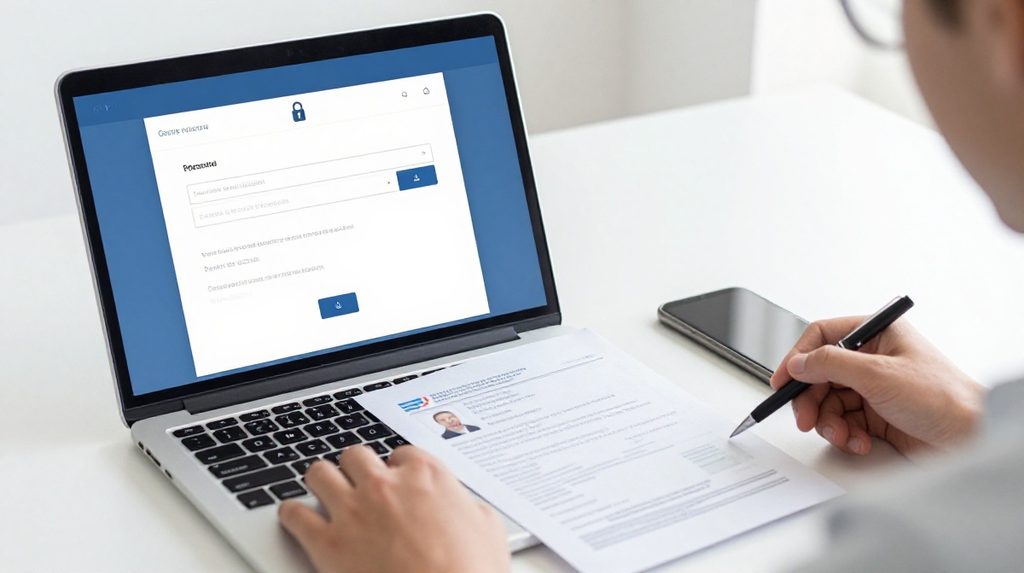
Log in to your Lotus365 account and open the profile or account settings section. You should see a Verify or KYC tab. The process follows these steps:
- Select the verification section and choose the document type you are uploading.
- Take a clear photo of the front and back of your Aadhaar Card. All four corners of the card must be visible in the frame, and there should be no glare or shadows.
- Upload in JPG, JPEG, or PNG format.
- Upload your PAN Card if the platform asks for a secondary document.
- Submit and wait for a confirmation by email or SMS.
Verification usually finishes within a few hours to 24 hours. If 48 hours pass without an update, contact customer support once rather than re-uploading your documents. Submitting multiple times can create duplicate files in the review queue and slow things down further.
Privacy Checks to Run Before You Upload Anything
Before you share any government-issued document with an online platform, go through these checks. They take two minutes and can save you serious trouble.
First, confirm you are on the real platform. Fake betting sites are built to look identical to genuine ones. They collect your documents not for verification but for identity theft. If you use a specific version of the platform such as lotus365 blue, type the URL directly into your browser or open a bookmark you saved yourself. Never click a link that someone sends you on WhatsApp, Telegram, or SMS to access your account.
Second, check for SSL. The address bar in your browser must start with https and show a padlock icon before you enter any personal data. If the padlock is missing or shows an error, close the page immediately.
Third, avoid uploading documents over public Wi-Fi at a café, railway station, or airport. Use your home broadband or your mobile data connection instead.
What Indian Law Says About Your Data
India’s Digital Personal Data Protection Act, 2023 DPDPA gives you specific rights over personal information held by digital platforms. Under this law, you can ask any platform what data they hold on you, request corrections if the information is wrong, and demand deletion of your data after you close your account. Complaints can be raised with the Data Protection Board of India if a platform misuses or fails to protect your information.
Because Lotus365 is an offshore platform with its servers outside India, how well the DPDPA applies in practice is still an open legal question. Its Curacao licence does not bring it under Indian regulatory oversight. This is a real limitation you should keep in mind. For more on your rights under this law, see India’s Digital Personal Data Protection Act on the MeitY website.
Safety Red Flags to Watch Out For
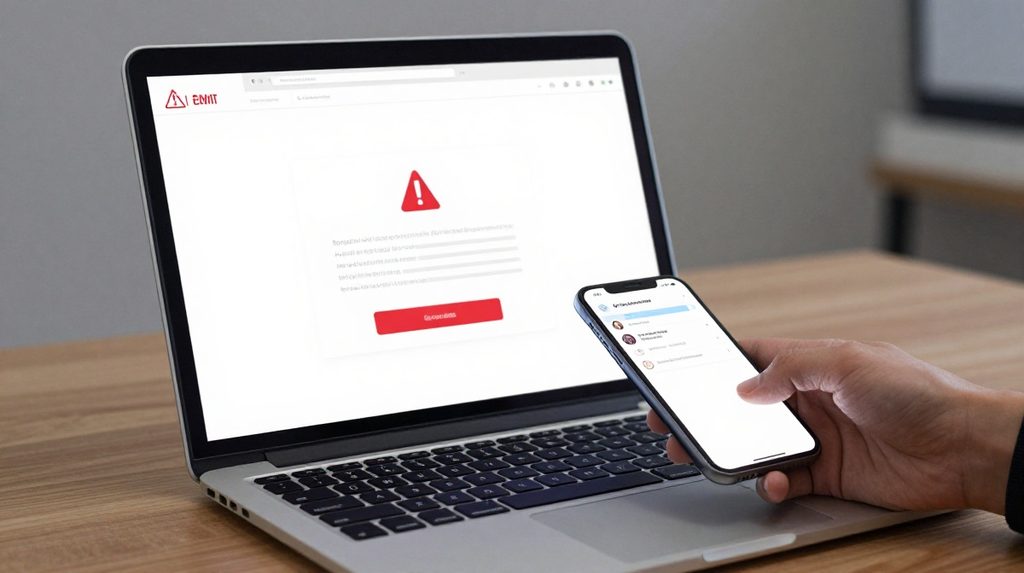
Watch for these signs that something is wrong with the platform you are using or with your account:
- You are being asked for your Aadhaar number and an OTP at the same time. A genuine platform does not need both together during KYC submission.
- You get an SMS from an unknown number telling you to re-verify your account through a link. This is a phishing attempt.
- You see deposits or bets in your account history that you did not make. This means someone else has access to your login.
For users who prefer the app version, download the lotus365 apk only from the official source. APK files from third-party websites or Telegram groups often carry malware that can read photo files stored on your phone, including scanned copies of your documents.
If you spot any of these red flags, change your password right away and reach out to customer support. If money has moved without your knowledge, contact your bank as well and ask them to flag the relevant transactions.