How to Recognize a Fake Password Reset Email
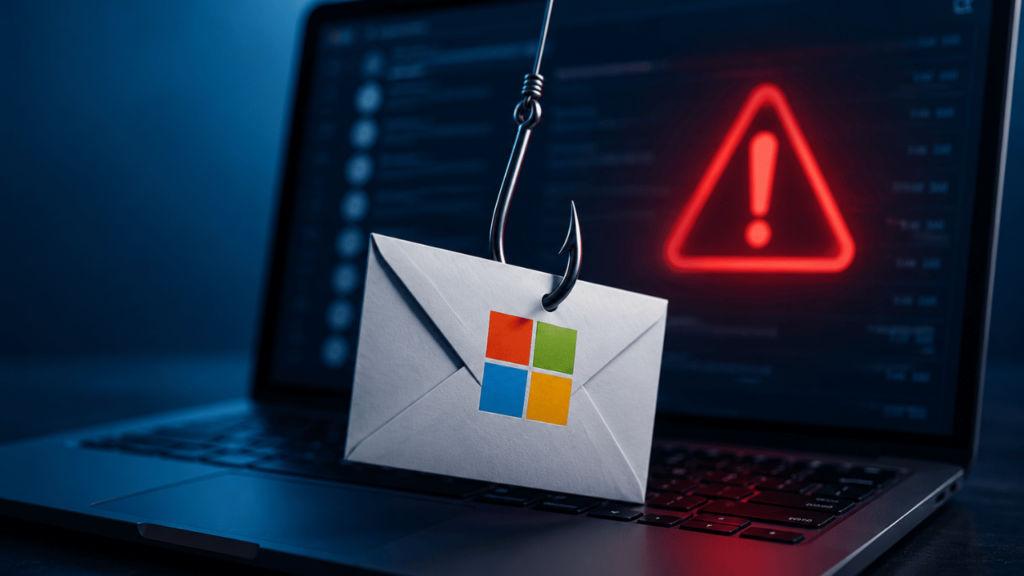
You check your inbox and find an email from your bank, or maybe from Google or Instagram Your password has been reset. You did not request any such change. Your pulse quickens.
That feeling of sudden panic is exactly what the scammer designed the email to produce.
India recorded over 80 million phishing attempts in 2024 alone, placing the country second in the world for phishing volume, according to Zscaler’s ThreatLabz 2025 Phishing Report. The numbers become harder to ignore at the ground level. In Kerala, people lost 814 crore rupees to cyber fraud in 42,504 reported cases in 2025. In Coimbatore, Tamil Nadu, the figure was 87.16 crore rupees. These were ordinary people, not big companies, who believed an email that looked real.
A fake password reset email is a form of phishing. Phishing say it like fishing is when a scammer sends you a message designed to look like it came from a service you trust, hoping you’ll click a link and type your login details on a fake website. Once they have your password, they can access your bank account, your email, and every other account linked to that email address.
Here is a walk-through of how these scams work and the specific signs that give them away.
How a Fake Password Reset Scam Plays Out
Picture this: you receive an email that appears to be from SBI or HDFC Bank. The logo looks right. The email says someone tried to log into your account and you must reset your password within 24 hours or your account will be locked. There is a big blue Reset Now button.
You feel scared. You click. You land on a page that looks exactly like your bank’s website. You type your user ID and password. But the page was never your bank’s website. It was a copy built by the scammer, and your credentials went straight to them.
The fake email created fear, the fake website captured your data, and the damage was done in under two minutes.
Six Warning Signs in a Fake Password Reset Email
1. The Sender’s Email Address Looks Wrong
The display name may say Google Security or SBI NetBanking, but any scammer can set a display name to anything. What matters is the actual email address behind the name.
Tap or click the sender’s display name in your email app to reveal the full address. A real email from Google arrives from an address ending in @google.com or @accounts.google.com. A fake one might come from something like support@googl-secure.net or noreply@sbi-helpdesk.in, replacing a letter with a number, adding a hyphen, or using a random domain altogether.
India’s National Informatics Centre issued an advisory in January 2025 warning users about phishing emails that used domains like email.gov.in.indiadefence.nl to impersonate government email login pages. The real government email domain is email.gov.in. A few extra words in the address were the only difference.
2. You Never Requested the Reset
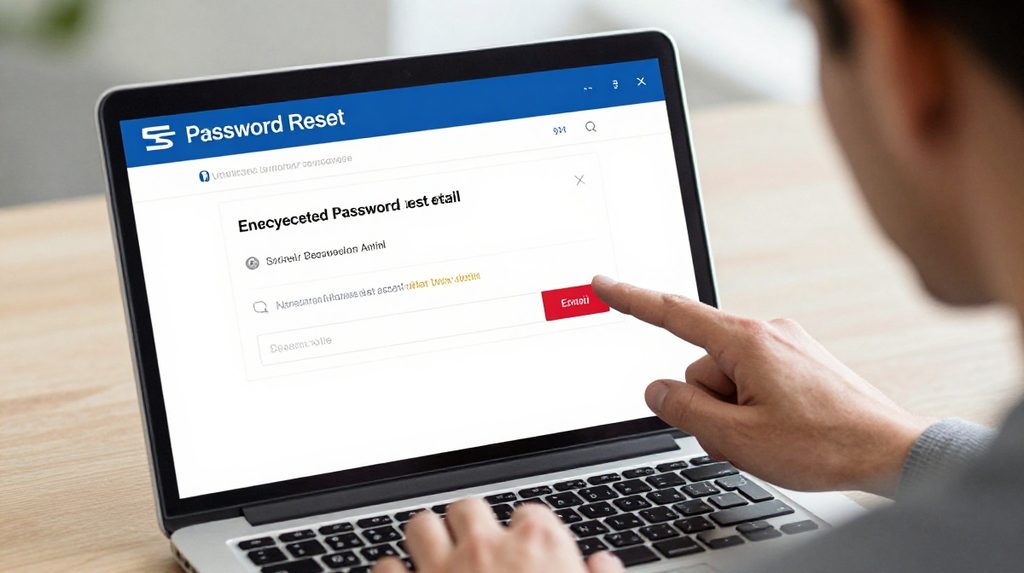
If you did not click Forgot Password on any website in the last few minutes, you should not be receiving a password reset email. Legitimate reset emails only arrive when you trigger them yourself.
If you get one without asking, someone may have typed your email address on a Forgot Password form by accident or as part of a phishing attempt. Either way, do not click anything inside the email. Open your browser, type the website address yourself, and check whether your account has any actual problem.
3. The Email Creates Urgency and Fear
Your account will be permanently deleted in 24 hours. Unauthorised access detected. Act immediately. These lines are written to make you stop thinking and start clicking.
Genuine companies do send security notifications, but a real alert from a bank or app will not threaten to close your account if you fail to click a link right away. When an email makes you feel rushed or frightened, that is a signal to slow down, not speed up.
4. The Link Goes to the Wrong Website
Before clicking any button or link in a suspicious email, check where it actually leads. On a computer, hover your mouse over it and look at the address shown at the bottom of your browser. On a phone, press and hold the link to see the full URL before tapping.
A real link from SBI goes to onlinesbi.sbi. A real link from HDFC Bank goes to hdfcbank.com. A real link from IRCTC goes to irctc.co.in. If the address shown is anything other than the official domain, do not click it.
One more thing to keep in mind: a padlock icon in the browser does not guarantee a site is safe. According to SOCRadar’s 2026 India Threat Landscape Report, 64.3% of phishing pages now use HTTPS, which is the technology behind that padlock. Scammers can buy HTTPS certificates too.
5. It Asks for Your Current Password
No genuine service will ever ask you to enter your existing password in order to reset it. If an email contains a form asking you to verify your current password to continue, it is a scam. There are no exceptions to this rule.
6. It Uses a Generic Greeting
Your bank knows your name. Google knows your name. An email that says Dear Customer or Dear User instead of addressing you by your registered name was almost certainly sent in bulk to lakhs of people at once. This is a standard sign of mass phishing campaigns.
Real vs. Fake at a Glance
| What to Check | Real Email | Fake Email |
|---|---|---|
| Sender address | Official company domain | Random or slightly altered domain |
| Greeting | Your registered name | Dear Customer or no name |
| Link destination | Company’s official website | Unknown or look-alike domain |
| Asks for current password | Never | Often |
| Tone | Neutral, informational | Urgent or threatening |
| HTTPS on linked page | Yes, and the domain is correct | Often yes, domain may still be fake |
Gaming and Entertainment Apps Are Targeted Too
Scammers do not limit their targets to banks. Users of any account-based platform can receive fake password reset notifications. If you have downloaded an app like the lotus365 apk or any entertainment platform and receive a surprise reset your password email, apply the exact same checks look at the sender domain, inspect where the link actually points, and never enter your login details through an email link.
For platforms like lotus365 blue, go to the official website or app directly by typing the address yourself. If there is a real issue with your account, you will see it there without ever touching the email link.
What to Do If You Receive a Suspicious Email
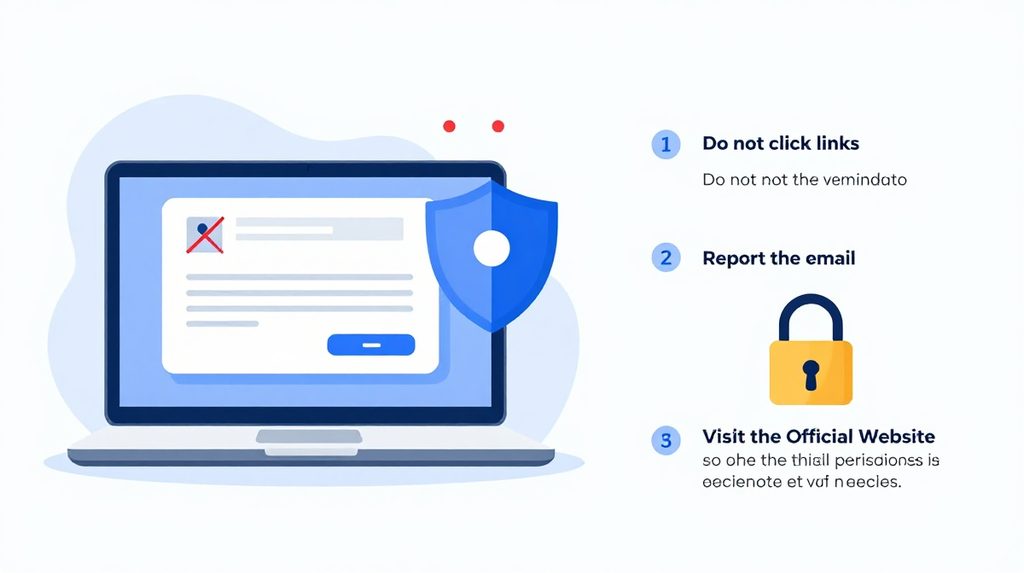
Do not click the link. Go directly to the website by typing its address in your browser and check your account from there.
If you already clicked and entered your password, change it immediately through the official website. Then turn on two-factor authentication, which requires both your password and a one-time OTP sent to your phone. This protects your account even if someone else now knows your password.
Report the incident to India’s National Cyber Crime Reporting Portal at cybercrime.gov.in or call the national helpline at 1930, which is available around the clock. You can also forward phishing emails to CERT-IN at incident@cert-in.org.in. Reporting quickly matters; in financial fraud cases, prompt action sometimes helps freeze the money before it is moved.