Lotus365 APK Safety Checks Before Downloading
Every week, thousands of Android users in India install APK files they found online, and not all those files are what they claim to be. A resident in Mangaluru lost ₹1.31 lakh in 2025 after downloading what looked like a genuine app but turned out to carry malware. Cyber fraud losses tied to fake APK files reached ₹11,333 crore across India in 2024 alone.
Lotus365 distributes its app as an APK file directly from its website because Google Play Store does not allow real-money gaming apps. That means you are downloading outside the Play Store’s built-in safety checks, and that gap puts the verification work on you.
Run through the checks below before you tap Install. They take less than five minutes.
Why Betting App APKs Are a High-Value Target
People using betting platforms tend to have linked bank accounts, UPI IDs, and digital wallets. A fake version of a betting app can quietly read your bank OTPs, log your screen, or forward your personal details to a third party running the scam. The Indian Bank and RBL Bank have both published official warnings about this type of APK fraud.
The risk does not only come from random strangers. Scammers send fake download links over WhatsApp groups, Telegram channels, and even in SMS messages, copying the look of official pages almost perfectly. The URL is the one thing they cannot easily hide.
Safety Checks to Do Before You Download the Lotus365 APK
Check 1 Confirm the URL Before Anything Else
Open your browser yourself and type the official address directly. Do not click a link forwarded through WhatsApp, a Telegram channel, or a social media post. Those links are the most common entry point for fake APKs.
Once you are on the right page, look at the address bar one more time before you tap the download button. Even a single character difference in the URL for example, a zero instead of the letter O means you are on a copycat site. For the official lotus365 apk download, always navigate directly rather than following a shared link.
Check 2 Match the File Size
After the file lands in your downloads folder, check its size before opening it. The Lotus365 app requires around 100 MB. If your downloaded file is much smaller say, under 20 MB or unusually larger than expected, that is a signal something has been changed. Attackers who inject malware into an APK almost always alter its file size. Open your file manager, press and hold the file name, and read the file details.
Check 3 Scan the File Before Installing
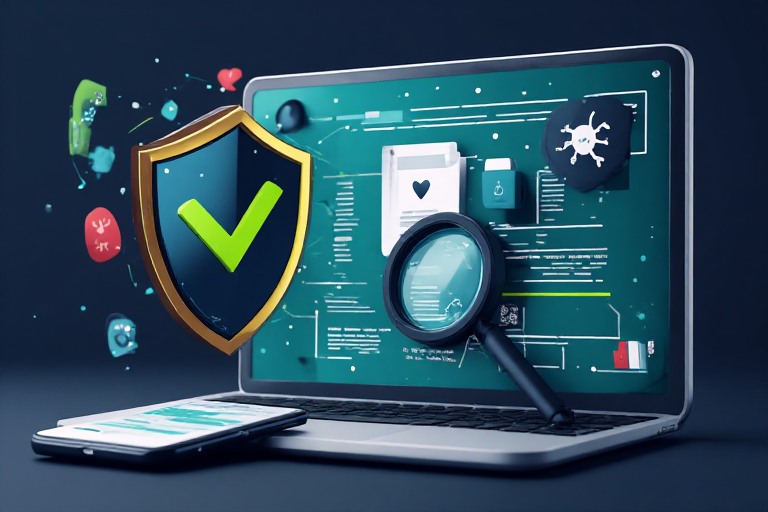
Upload the APK to VirusTotal, a free tool that checks files against over 70 antivirus engines before you install anything. It takes under a minute, and you get a clear result. If any engine flags the file, delete it and download again from the official source.
For on-device scanning, Quick Heal Mobile Security is built specifically for Indian Android users. It can scan an APK before you open it and block suspicious behavior before it starts. Either option gives you a layer of protection that most users skip entirely.
Check 4 Review Permissions Before You Accept
When you tap Install, your phone shows you the permissions the app is requesting. A betting app has a reasonable need for internet access, storage to save the app data, and sometimes camera access for identity verification. What it does not need is access to your SMS messages, call logs, or microphone.
If the APK asks for SMS permission, stop the installation. SMS access lets an app silently read the OTPs your bank sends you. You can deny specific permissions during install and grant them later from your phone’s Settings if the app genuinely requires them.
Check 5 Understand the Legal Position in Your State
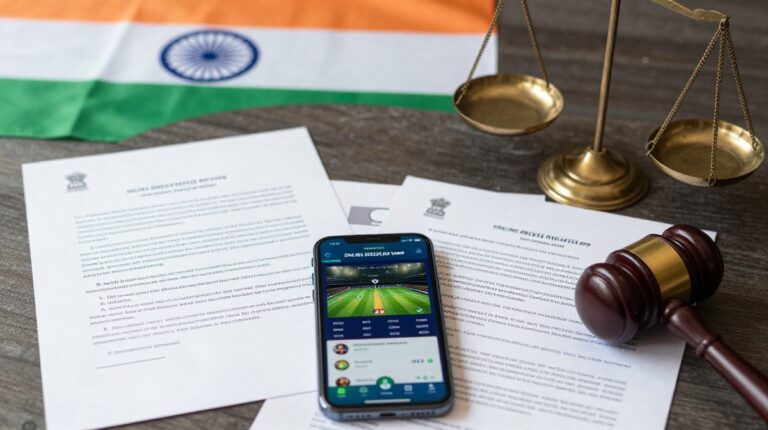
Online betting sits in a grey legal area in India. Gambling is a state subject under the Constitution, so the rules vary by state. Telangana, Kerala, Tamil Nadu, Andhra Pradesh, and Karnataka have laws that restrict or outright prohibit online betting. Parliament passed the Promotion and Regulation of Online Gaming Act in August 2025, and the Supreme Court is currently hearing petitions seeking a nationwide ban on betting apps, with notices issued to the RBI, ED, TRAI, and all state governments.
Before you register on any betting platform, check what your state’s law says. If you are unsure, a local legal advisor can give you clear, state-specific guidance.
Red Flags vs Green Flags at a Glance
| Red Flag | Green Flag |
|---|---|
| Download link received on WhatsApp or Telegram | URL typed directly in your own browser |
| File size is much smaller or larger than listed | File size matches the official spec (around 100 MB) |
| VirusTotal flags one or more engines | VirusTotal scan returns a clean result |
| App asks for SMS or microphone access | App only requests storage and internet access |
| No developer contact details visible | Developer name and website are clearly listed |
After Installing What to Watch For
Keep an eye on battery use and mobile data consumption in the first 24 hours. Malware that runs in the background drains your battery faster than normal and often sends data to remote servers. If your phone’s data usage suddenly doubles with no obvious reason, uninstall the app and run a full device scan.
When you want to explore variations of the platform or compare how different versions look and function, you can check out lotus365 blue to see if it better suits your device and preferences. Apply the same safety checks to any version you download.
APK apps do not update automatically through the Play Store. When an update is available, download it only from the official website, and repeat the scan step each time.
A word on financial risk Betting involves real money. Never put in more than you can afford to lose. If betting starts affecting your daily spending or your peace of mind, consider stepping back. These platforms are restricted to adults aged 18 and above.