Lotus365 FAQ Account, App, Safety and Troubleshooting

Many users in India land on Lotus365 with the same few questions: how do I sign up, why is the app not opening, is this platform safe, and what do I do when a withdrawal gets stuck. This article goes through those questions one by one, in plain language, so you can find what you need without reading through pages of marketing text.
Important notice before you continue: Lotus365 is an online betting and gaming platform. According to a report by Storyboard18, the platform claims a Curacao gambling licence, which the Indian government does not recognise, making it an unlicensed betting app in India. Online betting laws also vary by state. Before you sign up or deposit money, check the rules that apply in your state. When in doubt, speak to a legal professional.
What Exactly Is Lotus365?
Lotus365 is an online platform that offers sports betting, cricket odds, and live casino games. It is designed primarily for adult users. You can access it through a web browser or a mobile app. The platform is popular during major cricket events like the IPL, which is when most app-related complaints also spike.
Because of its unlicensed status in India, not everyone should use it. Users must be at least 18 years old. People in states that explicitly ban online gambling, including Andhra Pradesh, Telangana, Karnataka, Tamil Nadu, and Maharashtra, face a higher legal risk than users in other parts of the country.
How Do You Create a Lotus365 Account?
Registration is straightforward. You provide your mobile number, create a password, and verify your number with an OTP sent by SMS. After that, your account is usually active within a few minutes.
Before you can make your first withdrawal, the platform will ask you to complete KYC Know Your Customer verification. This means submitting a government-issued ID such as your Aadhaar card or PAN card. The name on your account must match the name on your bank account exactly. A mismatch is one of the most common reasons withdrawals get delayed later.
Is It Safe to Download the Lotus365 App?
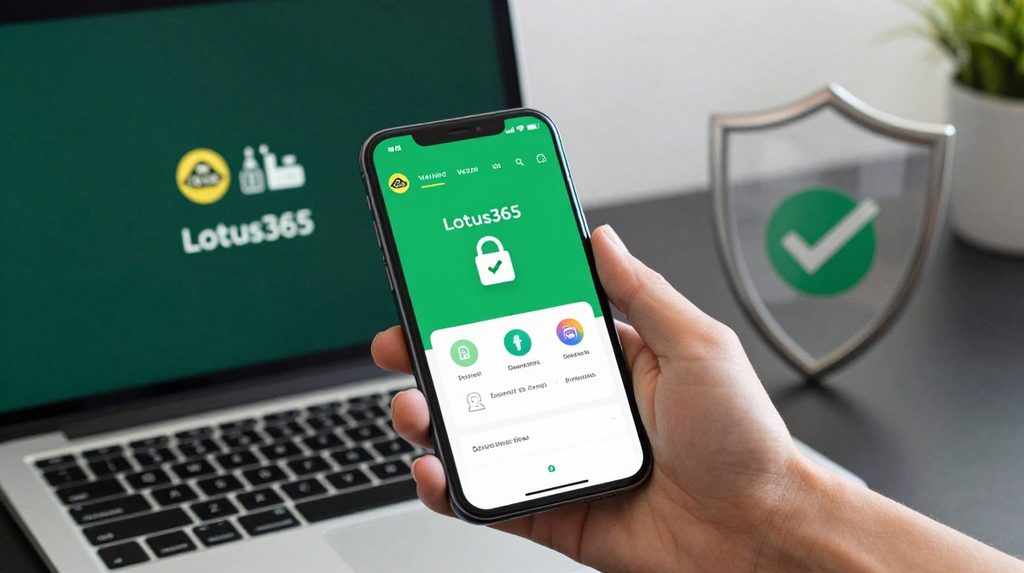
The app is not listed on the Google Play Store or Apple App Store. Unlicensed betting apps are not permitted on these official platforms. Instead, you can download the lotus365 apk file directly from the platform’s official website. An APK file is an installer file for Android phones. Because it comes from outside the Play Store, your phone will ask you to allow installation from unknown sources in Settings.
There is a real risk here. Fake versions of popular betting apps circulate online and can steal your money or personal information. Always type the official website address directly into your browser rather than clicking a link from WhatsApp, Telegram, or social media.
Lotus365 FAQ Account, App, Safety and Troubleshooting: The Most Common Issues
App Not Loading or Stuck on Screen
This is the most reported problem, especially during live matches. Try these fixes in order:
- Switch between mobile data and Wi-Fi. A network change often resolves the issue immediately.
- Check if an update is available on the official website and install it. Older versions can stop working after a platform update.
- On your Android phone, go to Settings, then Apps, find the app, and tap Clear Cache. This resets temporary data without touching your account.
- Restart your phone. Background processes that have been running for hours can block app performance.
- If the platform is receiving very high traffic during a big match, it may simply be slow. Wait five to ten minutes and try again.
Login Not Working
Start by confirming you are using the correct mobile number and password. If you’ve forgotten your password, use the Forgot Password option to receive a reset OTP. If login works on a different phone but not yours, the problem is device-specific. Clearing the app cache or reinstalling the app usually fixes it.
Do not try the wrong password many times in quick succession. Most platforms lock the account temporarily after repeated failed login attempts, which makes things worse.
How Do Deposits and Withdrawals Work?
The platform accepts UPI transfers through apps like PhonePe, Google Pay, and Paytm, along with net banking. Deposits are generally credited within minutes. Withdrawals take longer, typically 24 to 48 hours, and your KYC must be fully approved before any money can be sent out.
If your withdrawal has been pending for more than 48 hours, check two things first: that your KYC is marked as approved in your account, and that the bank account details you entered match your registered name. Do not submit multiple withdrawal requests for the same amount, as that can flag your account for a manual review, adding more delay.
Users who access the platform through lotus365 blue should note that the interface looks different, but the deposit and withdrawal process follows the same steps.
How to Keep Your Account Secure

Use a password that you do not use for any other app or website. Never share your login details with anyone, including people claiming to be customer support. Genuine support agents do not ask for your password.
Avoid logging in from shared devices at a cyber cafe or a friend’s phone. If you must use a shared device, always log out before leaving. Enable two-factor authentication if the platform offers it. This adds an extra step at login where a code is sent to your phone, making it much harder for someone else to access your account even if they have your password.
When You Need More Help
If none of the steps above solve your problem, contact the platform’s support team through the official website. Take a screenshot of any error message before you write to them. It saves time and helps the support team understand your issue faster.
For questions about money, account blocks, or anything involving large sums, do not rely on advice from social media groups or third-party forums. Speak to your bank directly, or consult a legal or financial professional.