How to Limit Personal Information You Share Online

In the first quarter of 2024, India saw 17.1 million online account
breaches — that is 132 accounts compromised every single minute,
according to a Surfshark report. Most of those accounts were not
cracked through complex hacking. They were exposed because people
had shared more personal information than they needed to, in more
places than they realised.
Limiting the personal information you share online is not about being
paranoid. It is about being sensible. Every extra detail you put out
there, from your exact birthday to your home address, is a small piece
someone else can use without your permission.
Why Oversharing Online Is a Bigger Risk in India Than You Think
India’s cyber exposure has grown sharply in recent years. The 2023 ICMR
data breach alone exposed the records of 815 million people. A leaked
mobile network database from 2024 reportedly contained names, phone
numbers, addresses and Aadhaar information of 750 million individuals,
affecting roughly 85% of India’s population.
India’s Computer Emergency Response Team (CERT-In) has specifically
advised citizens not to share Aadhaar numbers, banking credentials, PAN
details, PIN codes and passport information on social media or mobile
apps. Their point is straightforward: once that information is out,
you lose control of it.
On the legal side, India’s Digital Personal Data Protection Rules 2025
were officially notified by MeitY on 13 November 2025. These rules give
you the right to ask companies to erase your data, withdraw consent, and
raise grievances. But the law helps you after the fact. Prevention is
still your first and best defence.
What Counts as Unnecessary Personal Information
Not everything you share creates a problem. The risk comes from sharing
details that serve no real purpose in a given situation. Some examples
from everyday Indian digital life:
- Your full date of birth on a public social media profile (the year is
best kept private) - Your exact home address in delivery-related posts or public check-ins
- Aadhaar or PAN card screenshots forwarded on WhatsApp groups
- Your primary phone number when registering for a free app or trial
- Live location updates that tell strangers your daily routine
The rule of thumb: if a service does not genuinely need a piece of
information to work, don’t hand it over.
How to Limit Personal Information Shared Online
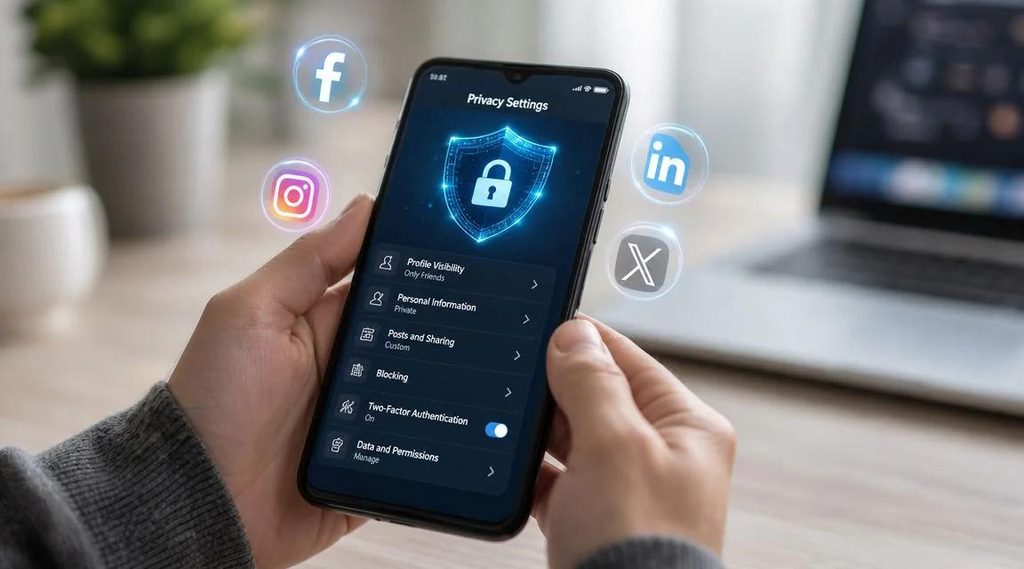
Step 1: Audit Your Social Media Profiles
Open your Facebook, Instagram or X profile as if you were a stranger.
Can they see your birthday, phone number, workplace and city? Each of
these is a data point that fraud networks use. Change your privacy
settings so only friends or trusted connections can see sensitive details.
On Instagram, switching to a private account takes one tap.
Also look at old posts. A photo from 2018 with your address in the
caption, or a complaint post where you mentioned your vehicle number,
can still be found by anyone who searches your name.
Step 2: Check App Permissions Before You Accept
When you install a new app, it asks for permissions covering your
contacts, location, microphone, camera and sometimes your SMS messages.
A flashlight app or simple game does not need access to your contacts.
Yet most people tap Allow without reading.
On Android, go to Settings, then Apps, then Permissions. On iPhone,
go to Settings, then Privacy and Security. Review what each app can
access. If a permission does not match the app’s function, revoke it.
Most apps will still work fine.
Step 3: Use a Secondary Email for Signups
Every time you register on a new platform, you are leaving a trail.
A separate email address, used only for app registrations and online
forms, is one of the most underused privacy habits in India. If that
address gets compromised, your main email linked to your bank, employer,
and UPI stays safe.
Free options from Gmail or ProtonMail cost nothing to set up. Whether
you’re completing a lotus365 signup
for an entertainment platform, registering on a shopping site, or
subscribing to a newsletter, using a secondary email for that account
keeps your primary address out of third-party databases.
Note on real-money online gaming platforms: The legal status of
real-money gaming and betting varies by state in India. Before
registering on any such platform, check the applicable rules in your
state. Never share more personal information than is required, and
always use strong, unique passwords.
Step 4: Be Careful in WhatsApp and Telegram Groups
Large WhatsApp groups are where personal information leaks most casually
in India. Aadhaar cards, PAN cards, salary slips and bank statements get
forwarded to verify identity informally. Avoid this. If identity
verification is genuinely required, use an official, secure channel.
Your WhatsApp About section and profile photo are visible to anyone
who has your number, unless you change the default settings. Open
WhatsApp Settings, go to Privacy, and restrict Last Seen, Profile
Photo and About to contacts only.
Step 5: Use Strong Passwords and Two-Factor Authentication
A strong password is not enough on its own. Two-factor authentication
(2FA) adds a second step: logging in requires both your password and a
one-time code sent to your phone or an authenticator app. Even if
someone gets your password, they cannot access the account without
that second step.
For any important account, whether that is your lotus365 login,
your email, your banking app or a social media account, enable 2FA
wherever the option exists. Prefer an app like Google Authenticator
over SMS-based OTPs where possible, since SIM swap fraud is a known
threat in India.
Quick Reference: What to Share vs. What to Avoid
| Information | Where It Seems Harmless | Why It Is Risky |
|---|---|---|
| Full date of birth | Birthday wishes on Facebook | Used to verify identity in bank fraud |
| Aadhaar number | WhatsApp KYC verification | Enables fake KYC and identity theft |
| Home address | Online order complaints posted publicly | Enables physical targeting or scams |
| Real-time location | Instagram Stories, Snapchat | Reveals your daily routine to strangers |
| Primary email address | Every app and signup form | One breach exposes all linked accounts |
Your Rights Under India’s DPDP Act 2025
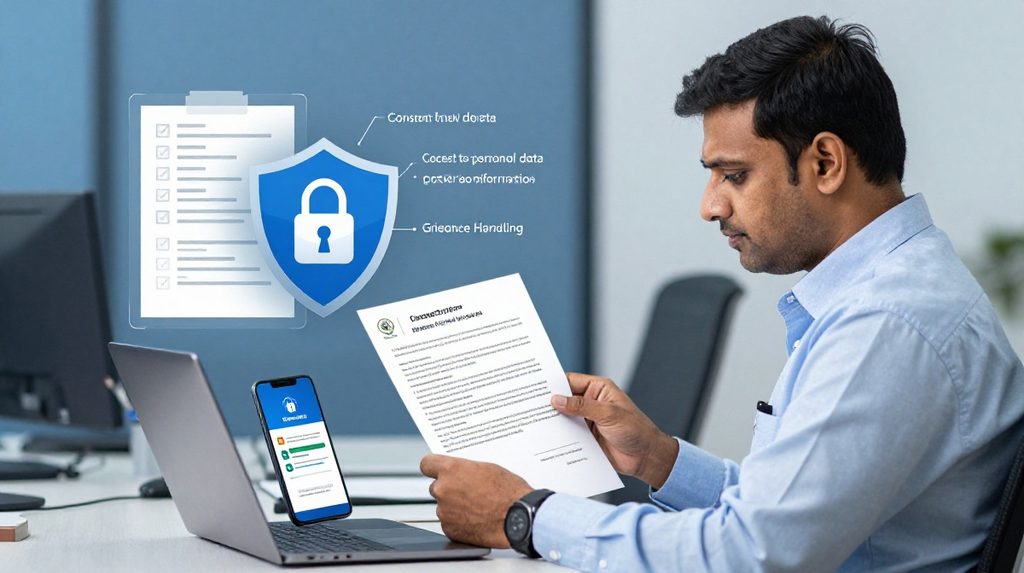
Under the Digital Personal Data Protection Rules 2025, you have specific
rights as a citizen. You can ask any company to tell you what data they
hold about you, withdraw your consent for them to process it, and request
that your data be erased once the purpose is served. If a company ignores
your request, you can raise a complaint with the Data Protection Board
of India once it is fully operational.
These rights shift some power back to you, but you have to use them.
Withdrawing consent from an app you no longer use, or asking a shopping
site to delete your saved address, is a task most people simply never
do. Start doing it.
What to Do Next
Pick one step from this article and complete it today. Go through your
social media privacy settings, or spend five minutes checking app
permissions on your phone. You don’t need to do everything at once.
Each small step makes your personal information meaningfully harder
to misuse, and that is worth doing.