Lotus365 Account Dashboard Explained Your Questions Answered
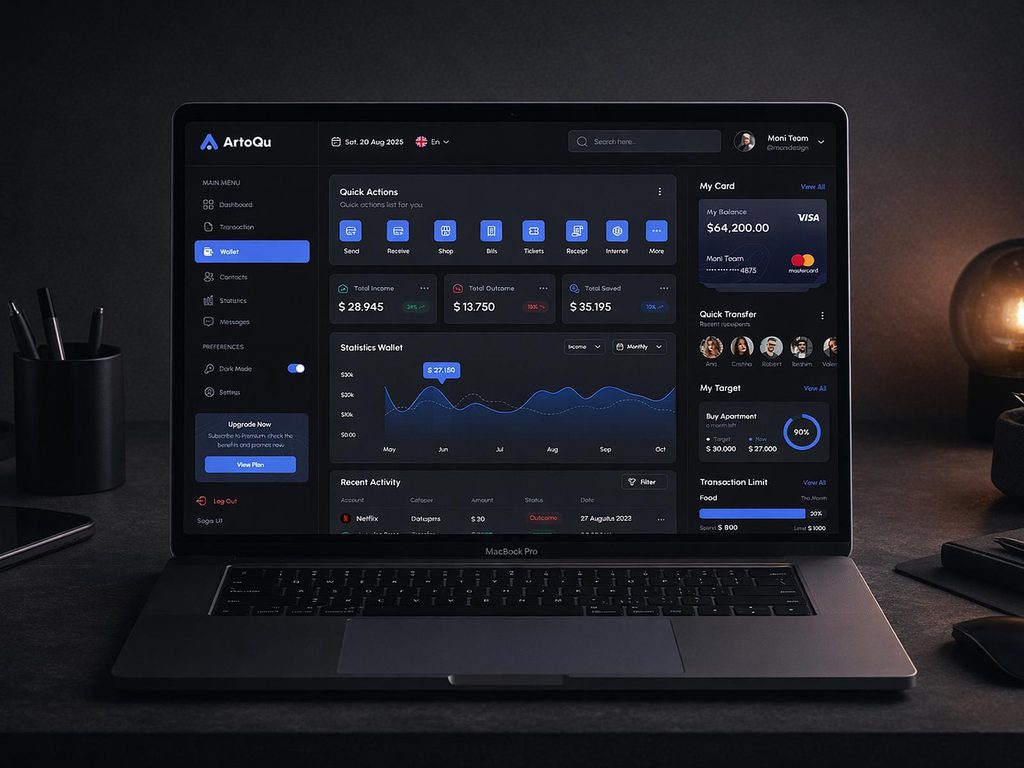
A lot of users land on the Lotus365 dashboard after sign-up and feel unsure about where to go first. The sections look simple enough on screen, but it’s not always clear what each one does, why it asks for certain documents, or why a withdrawal is not showing up. This article answers those questions in plain language, one by one.
Important notice: Online betting and real-money gaming laws in India vary by state. As of 1 May 2026, the Promotion and Regulation of Online Gaming Act, 2025 came into force, and states like Telangana, Andhra Pradesh, Tamil Nadu, and Karnataka have strict bans on online betting. Please check your state’s current rules before using any real-money platform. This article explains how the dashboard works as a product. It does not constitute legal advice.
What Does the Lotus365 Dashboard Actually Show You?
When you log in, the first screen you see is your personal dashboard. Think of it as the home screen of your account. It shows your current balance, quick links to deposit and withdraw, your recent activity, and notifications about promotions or account alerts.
The balance shown at the top is your usable wallet amount. This is the money that is currently in your account and available for use. If you have a bonus balance, it often appears separately, usually labelled differently from your main wallet. These two are not the same, and this confuses a lot of new users. Your main wallet balance is real money you deposited. The bonus balance usually has conditions attached to it before you can withdraw it.
Why Does the Dashboard Ask Me to Complete My Profile?
Shortly after you create your account, you’ll see a prompt to complete your profile or verify your identity. This is the KYC Know Your Customer process. KYC is not unique to Lotus365. It is a standard requirement across all financial and betting platforms in India.
The reason the platform asks for it is straightforward. Before releasing any funds to you, the platform needs to confirm that the money is going to the right person. You’ll typically need to submit a government-issued photo ID such as your Aadhaar card or PAN card and proof of address. Once these are approved, a status indicator in your profile section changes from Pending to Verified.
Do this early. Many users ignore the KYC section until they’re ready to withdraw, and that’s when delays happen. Completing it on day one removes the issue entirely.
How Does the Deposit Section Work?
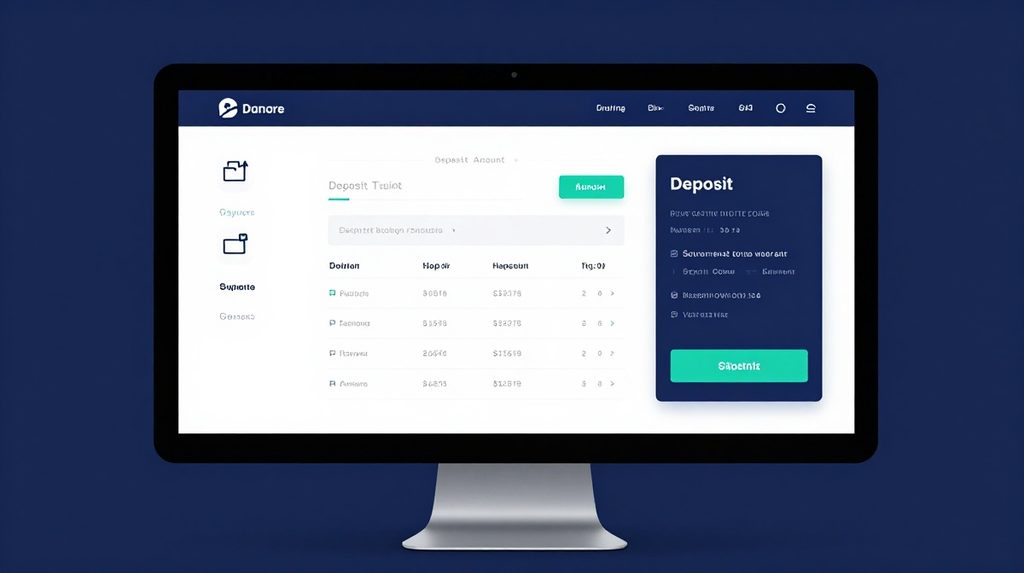
The deposit section is usually accessed from the wallet icon or a Cashier or Add Funds button on the dashboard. Lotus365 supports Indian payment methods including UPI apps like Google Pay, PhonePe, and Paytm, plus NEFT and IMPS bank transfers.
When you select your method and enter an amount, the platform takes you to a payment screen. After a successful transaction, your balance updates automatically, often within a few seconds for UPI. For bank transfers, it can take a few minutes.
One tip worth knowing run a small test deposit the first time, say 100 or 200 rupees, to confirm that your chosen payment method connects correctly. Don’t add a large amount until you’ve confirmed funds appear in your wallet.
If you’re new to the platform, you can start the process after you complete the lotus365 signup and reach the account section.
What Is the Betting History or Activity Section?
Inside your dashboard, there is a section that shows your past activity. This could be labelled Bet History, My Bets, or Account History, depending on the version of the platform you’re using.
This section is useful for more than just reviewing past results. It shows you the exact amount staked on each bet, the odds at the time, and the outcome. If you ever have a dispute about a transaction or a missing payout, this section is the first place the support team will ask you to check. Take a screenshot of anything unusual before contacting support.
How Do Withdrawals Work from the Dashboard?
The withdrawal option sits inside the same cashier or wallet section as deposits. You select your preferred method, enter the amount, and submit the request. The platform then processes it, usually within 24 to 48 hours.
There is one thing that causes more failed withdrawals than anything else. The name on your Lotus365 account must match the name on your UPI or bank account exactly. Even a small difference, like Rahul K. Sharma versus Rahul Kumar Sharma, can flag the request for review. Check this before you even make your first deposit, not after your first withdrawal is stuck.
You will also need completed KYC before your first withdrawal will process, regardless of how long you have been on the platform.
The Dashboard Shows a Notification I Don’t Understand. What Should I Do?
Notifications on the dashboard fall into a few categories: promotional offers, verification alerts, or account status messages. Promotional notifications usually relate to a bonus or limited-time offer. You don’t need to act on those unless you want to.
Verification or account status alerts are the ones that matter. If the notification says something like action required or flags a document, go to your profile section and follow the steps shown. Ignoring these can limit your ability to deposit or withdraw.
If the message is unclear, use the platform’s support chat or helpline rather than guessing. It’s faster than trying to figure out a vague notification on your own.
Why Can’t I See Some Features After Login?
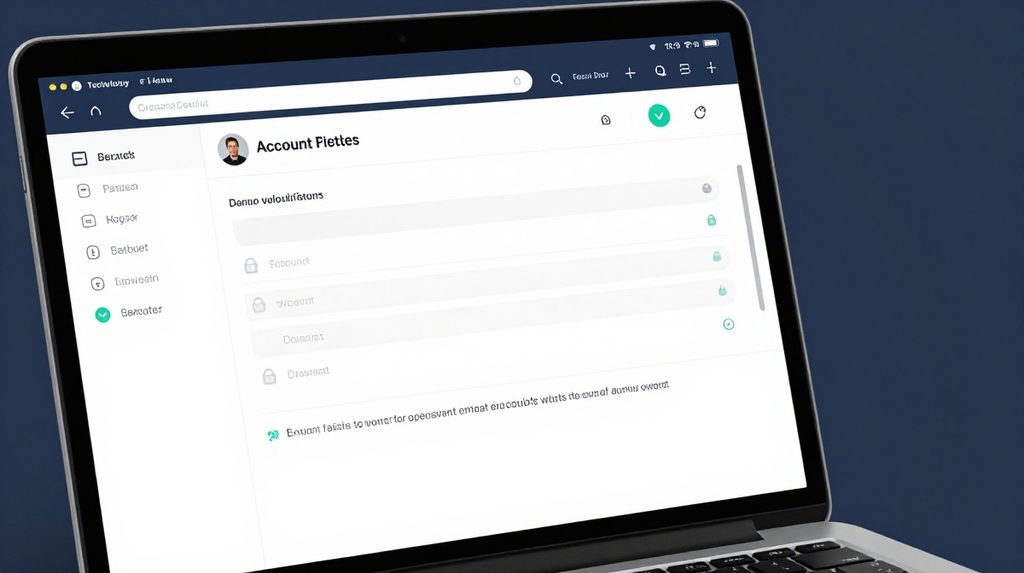
Sometimes, after you do the lotus365 login and reach the dashboard, certain sections appear greyed out or unavailable. This usually means one of two things. Either your KYC is not yet approved, or your account has not yet been activated after initial registration.
Some features on betting platforms are locked until the identity check clears. This is a deliberate design choice, not a bug. Once verification is complete, those sections become active. If verification is done and the issue persists, try logging out, clearing your browser cache or app data, and logging back in.
Can I Change My Account Details from the Dashboard?
Yes. The profile or settings section of the dashboard lets you update things like your registered email address, phone number, and communication preferences. However, the one thing you typically cannot change after initial registration is your full name, because it is tied to your KYC documents. If there is an error in your name at the time of registration, you’ll need to contact support directly to resolve it.