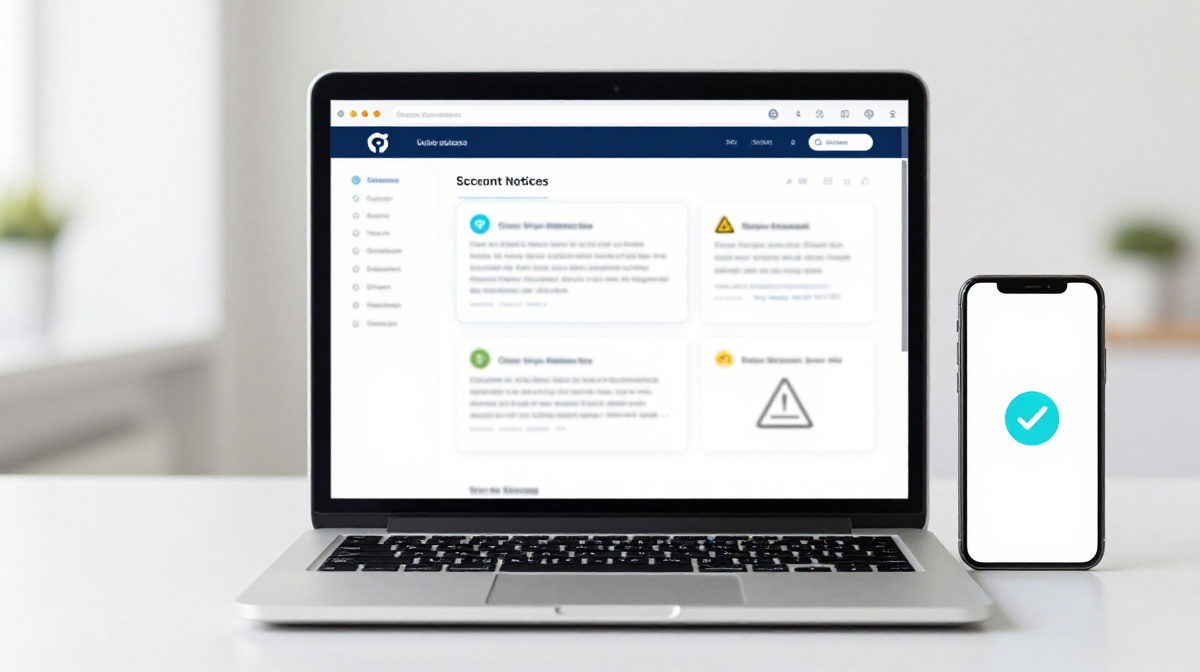
How to Understand Account Notices and System Messages
You open your phone and see a message from an app or website. It says something like Your account has been flagged or Action required on your account. Your first reaction is probably confusion, maybe even panic. Before you tap anything or call anyone, take a breath. Most of these messages follow a pattern, and once you know that pattern, you can read them clearly and respond the right way.
This guide explains what account notices and system messages actually are, what the common types mean, and how to tell a real one from a fake one.
What Are Account Notices and System Messages?
An account notice is a message sent by a platform to tell you something has changed or needs your attention. A system message is usually automated. It is generated by the platform’s software without a human writing it each time.
These messages show up as SMS, email, in-app notifications, or even pop-ups when you log in. Banks, gaming apps, e-commerce sites, and government portals all use them. The content varies, but the purpose is almost always one of four things to confirm an action you took, to warn you about something, to ask you to do something, or to share policy or account updates.
Common Types of Account Notices You Will See
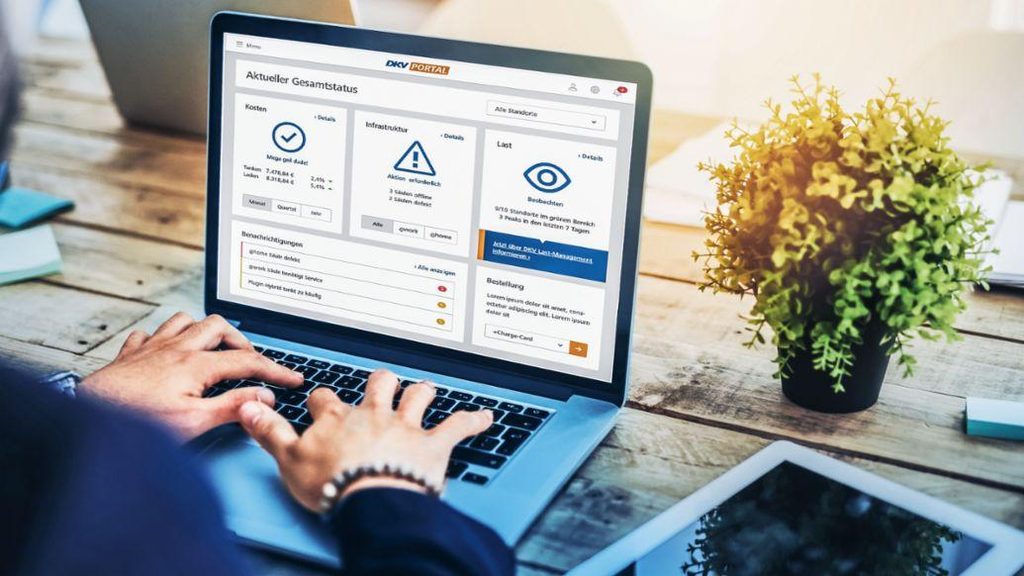
Transactional alerts are the most familiar. When money moves in or out of your account, your bank sends a message immediately. The Reserve Bank of India made it mandatory for banks to send SMS alerts for all transactions. These messages usually include the amount, the last four digits of your account, and the date.
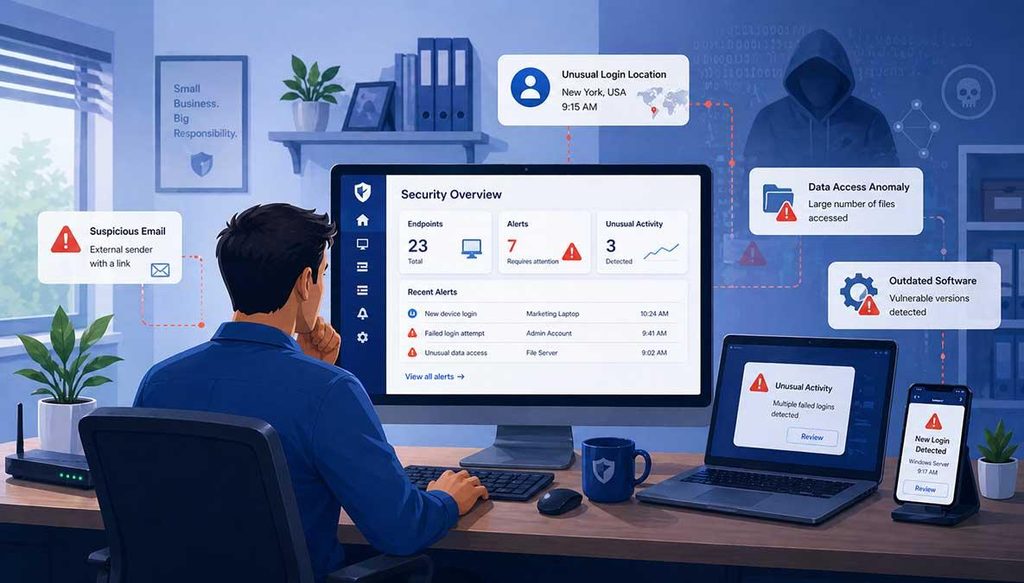
Login and security notices appear when someone hopefully you signs into your account from a new device or location. Platforms send these to confirm it was really you. If you did not log in, this type of notice is a red flag worth acting on quickly.
Account status messages tell you whether your account is active, under review, restricted, or suspended. These can show up on banking apps, gaming platforms, and subscription services. For example, if you use a platform like an online sports betting site and there is an unusual login, you may see a temporary restriction notice. If you are trying to create a new profile, checking the lotus365 signup page for any active notices before proceeding will save you time.
Promotional and policy update notices are largely informational. They tell you about changes to terms, new features, or offers. You are not always required to act, but reading them once is a good habit.
How to Read a System Message Correctly
The first thing to do is check who sent it. Legitimate platforms send messages from registered sender IDs. In India, under TRAI rules, commercial messages must come from a six-character sender ID like HDFCBK or PAYTMB, not a ten-digit mobile number.
Next, read what the message is asking you to do. Real system messages from banks and reputable platforms will never ask you to share your OTP, PIN, or password. If a message asks for this, it is a scam, no matter how official it looks.
Then check if there is a deadline or urgency in the message. Scammers often use lines like your account will be blocked in 24 hours to rush you. Genuine platforms give reasonable time and point you to their official app or website.
Finally, log in directly through the app or website not through any link in the message to verify if the notice is real. If your account dashboard shows no alert, the message you got was likely fake.
What to Do After Reading an Account Notice
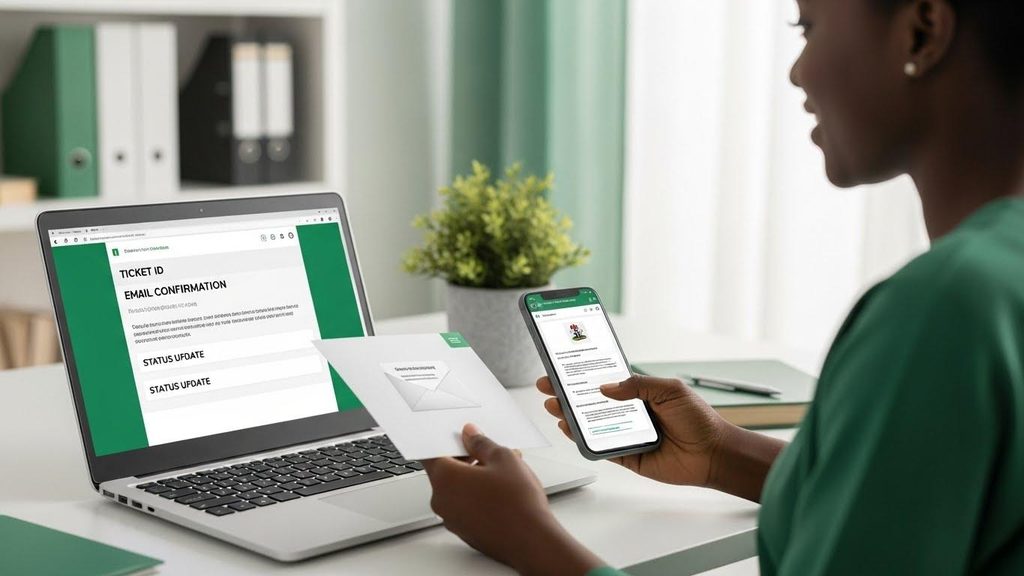
Your response depends on the type of notice. For transactional alerts, just check that the amount and details match what you did. For security notices about unrecognized logins, change your password right away and enable two-factor authentication if you have not already.
For account restriction or suspension notices on platforms you use regularly, go to the help or support section of that platform. If you are already registered on a site, using the lotus365 login page directly rather than clicking a link in any message is the safest way to check your account status.
For policy update notices, you usually just need to acknowledge them or update your preferences if asked.
How to Spot a Fake System Message
Fake messages, also called phishing messages, try to look like real ones. India’s cyber security agency CERT-In flagged these as one of the most common forms of online fraud in 2023. Here is a simple table to help you compare:
| Feature | Real System Message | Fake Message |
|---|---|---|
| Sender ID | 6-character alphanumeric | 10-digit mobile number |
| Link in message | Points to official domain | Random or shortened URL |
| Language | Clear, no spelling errors | Often has typos |
| What it asks for | Action on the app or site | OTP, PIN, password, or money |
| Urgency | Reasonable or none | Extreme (act in 1 hour, etc.) |
If you are ever unsure, call the platform’s official customer care number. Do not use a number that appears in the suspicious message itself.