How to Recognize an Unfamiliar Setting in an Online Account
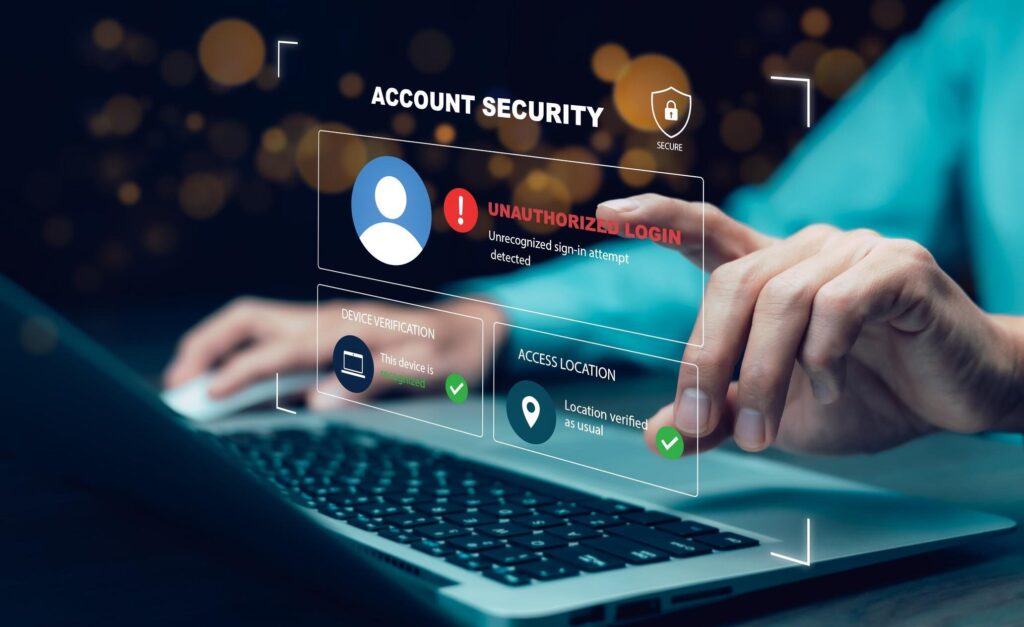
Imagine opening your net banking app one morning and finding that the registered mobile number has changed. You did not do it. Or you get an SMS saying your password was reset while you were asleep. These are not random glitches. They are signs that someone accessed your account and quietly changed something inside it.
India’s suspected digital fraud rate stood at 7.1% in 2025, nearly double the global average of 3.8%, according to TransUnion’s H1 2026 Top Fraud Trends Report. In the first six months of 2026 alone, over 12.71 lakh financial cyber fraud complaints were filed in India, with reported losses crossing Rs 10,178 crore, as per data reviewed at a Ministry of Home Affairs meeting. The scale is significant. And most of these attacks begin exactly this way: a setting changes silently, and the account holder does not notice until money is gone.
So how do you spot an unfamiliar setting before any real damage happens?
What Unfamiliar Settings Actually Means
A setting is anything you can control in your account: the linked phone number, the email address, the password, the connected payment method, the recovery options, or the devices where the account is active. An unfamiliar setting is one you did not choose and do not recognize.
This matters because a settings change is not the same thing as someone just browsing your account. When an attacker changes your recovery details, they are trying to lock you out permanently or reroute your OTPs to themselves. A changed phone number, for example, means your bank’s one-time password goes to the fraudster, not to you. They’ve already done the damage before you even notice.
The Settings Most Commonly Changed by Intruders
Recovery contact details are the first target for most attackers. If your registered email or mobile number now shows something you don’t recognize, treat this as an urgent problem, not a curiosity. On banking apps like SBI YONO or HDFC Mobile Banking, this is usually listed under Profile or Manage Contact Details.
Password and security questions work differently. You will likely know your password changed because you get locked out. But security questions are easy to overlook. Go into your account settings and check them. If the question or answer looks different from what you set, someone else has been in there.
Active sessions and connected devices are one of the most useful things to check. Most platforms, including Gmail, WhatsApp, and Facebook, show you where your account is currently logged in. Look for any device you don’t own or any city where you have not been. A login showing Hyderabad at 3 AM, when you were in Nagpur and asleep, is a clear sign something is wrong.
Two-factor authentication (2FA) status is a subtle but serious one. An attacker may turn off 2FA after entering your account so that future logins don’t trigger a verification step. If you set up 2FA earlier but find it switched off now, someone turned it off after gaining access.
Linked payment methods and withdrawal addresses are particularly important for financial and gaming platforms. A new card or UPI ID appearing in your payment options is a warning. On sports platforms, check your registered withdrawal bank details carefully. If you use the lotus365 apk version of the app on Android, routinely go into your account profile and verify that your registered details and withdrawal address match exactly what you entered when you first signed up.
How to Check Your Account Settings, Step by Step
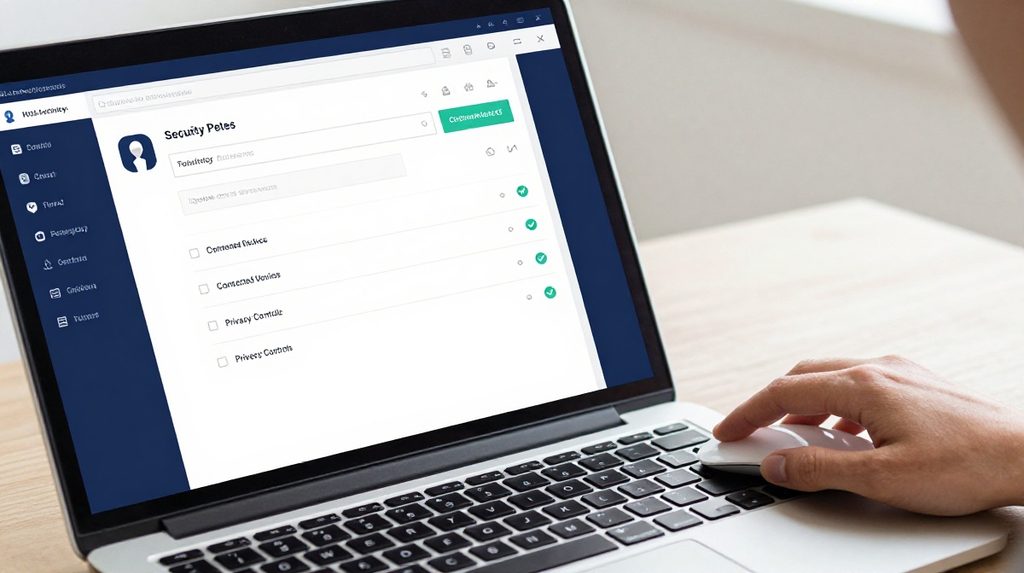
You do not need technical knowledge to do this check. Here is a simple method that works across most Indian apps.
- Open the official app or visit the official website directly. Never use a link from an SMS or email to do this check.
- Tap on your profile icon or go to Settings or Account.
- Look for sections named Security, Privacy, Devices, or Active Sessions.
- Confirm the mobile number and email address shown are yours.
- Review the list of devices where the account is currently logged in. Do you recognize all of them?
- For payment or gaming apps, go to the payment or withdrawal section. Are the bank details correct?
- Check whether 2FA is still turned on.
The layout varies by app, but the logic is the same everywhere. On platforms with different app versions, such as the lotus365 blue interface, account and security settings are typically found under the profile icon in the top right corner, just as with most other Indian apps.
The Clues People Often Miss
Sometimes the warning is not in the settings page at all. Your Gmail may show sent emails you never wrote. Your Swiggy or Zomato account may have a delivery address you don’t recognize. Your bank app’s home screen may show a last login time that does not match when you actually used it.
Many Indian banking apps display the previous login date on the home screen. Check it every time you open the app. If that date and time do not match your last actual session, the gap matters. Someone else may have logged in between your sessions.
What to Do the Moment You Spot Something Unfamiliar
Do not wait to be sure. Waiting is the costlier mistake.
Change your password immediately by going directly into the app, not by clicking any link sent to you. Then turn 2FA back on if it is off. After that, remove any device or session you don’t recognize from the active sessions list.
Report the incident using India’s national cybercrime helpline 1930 or file a complaint at cybercrime.gov.in. For bank accounts specifically, call your bank’s 24-hour helpline and ask them to flag the account for any further setting changes.
A note on gaming and betting platforms: Online gaming and sports betting apps operate under different legal rules across Indian states. Before using any such platform, check whether it is permitted in your state. Always download apps from official, verified sources to reduce the risk of tampered versions that may misuse your data.