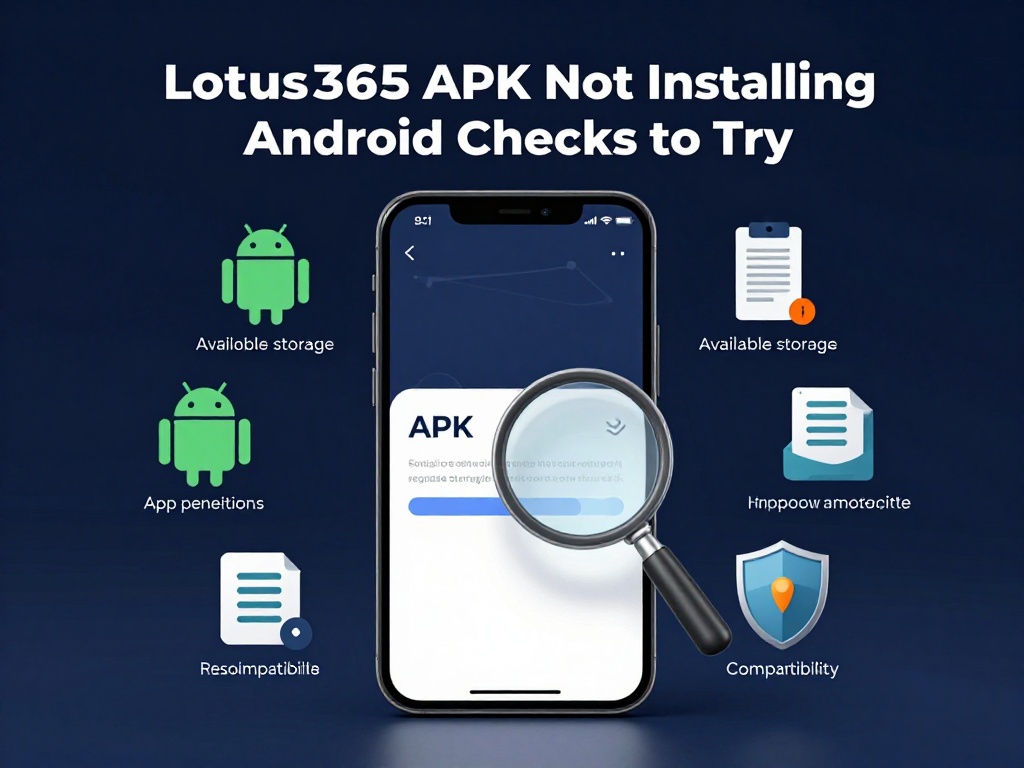
Lotus365 APK Not Installing Android Checks to Try
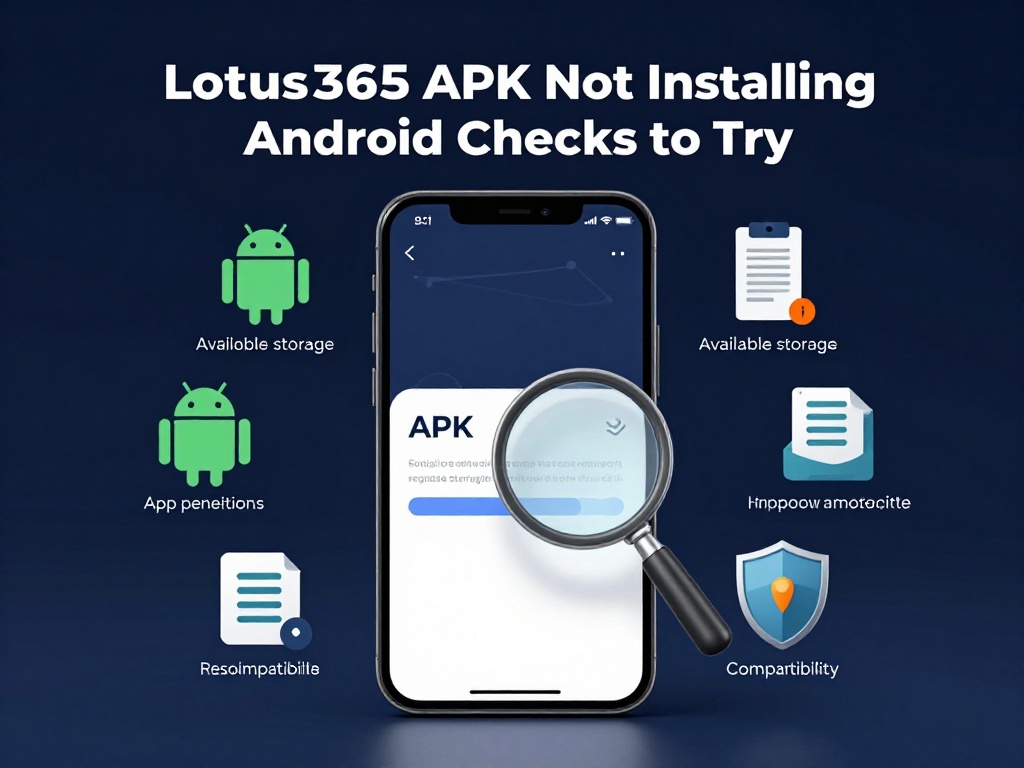
You tapped the downloaded file, waited a few seconds, and either got a vague App not installed message or nothing happened at all. The Lotus365 APK not installing on Android is a common problem, and it almost always has a simple cause. This guide walks through the checks in the order that solves it fastest for most users in India.
Why Android Blocks APK Files
The Lotus365 app is not on the Google Play Store, so it’s downloaded directly from the platform’s website as an APK file. APK stands for Android Package Kit. It’s the standard file format Android uses to install apps. When you get one from outside the Play Store, Android treats it differently and requires extra permission before it will run.
This is not a fault with the app. It is how Android is designed. Once you know which setting to change and what else to check, the installation usually completes without any trouble.
Check 1 Enable Installation from Unknown Sources
This is the reason the Lotus365 APK is not installing in the majority of cases. Android blocks outside APK files by default. You must manually allow the specific app you used to download the file to also install it.
The path varies by phone brand and Android version.
Stock Android Pixel phones and most devices running Android 8.0 or above
Go to Settings, then tap Apps. Find the app you used to download the APK file, which is usually Chrome, Files by Google, or your phone’s built-in file manager. Tap on it and look for Install Unknown Apps. Switch the toggle on.
Xiaomi, Redmi, and Poco phones running MIUI:
Go to Settings, then Privacy, then Special App Access, then Install Unknown Apps. Find the download app and allow it.
Samsung phones running One UI
Go to Settings, then Biometrics and Security or just Security on older models. Tap Install Unknown Apps, select the app you downloaded with, and allow it.
Android 7 and older
Go to Settings, then Security, and turn on Unknown Sources. This is one toggle that covers everything.
After making the change, tap the APK file again and the installation should proceed.
Check 2 Re-download the APK File

If the above did not help, the file itself may be the problem. A download that paused and resumed, or one that came from an unofficial third-party site, can be broken at a byte level that isn’t visible to you. Android checks the entire APK structure before installing, and even a small issue causes the whole process to fail.
Delete the file from your Downloads folder. Then go to the official Lotus365 website and download a fresh copy on a stable Wi-Fi or mobile data connection. Avoid APK files shared on Telegram groups or random sites, as those are often outdated or have been tampered with.
Check 3 Free Up Internal Storage
Android needs considerably more free space than the size of the APK file alone. It has to unpack, verify, and write the app, which means it typically needs around two to three times the APK file size in free internal storage. A 100 MB APK can require 250 to 300 MB of available space before installation will work.
To check this, go to Settings and then Storage. If space is low, delete photos, old videos, or apps you no longer use. You can also back up files to Google Drive or move them to a memory card to clear room.
One thing to note: Android cannot install apps directly to a memory card. Even if your memory card has space, the phone installs apps to internal storage. Freeing up card space alone will not fix a storage-related install failure.
Check 4 Uninstall Any Previous Version First
If you have used Lotus365 before and this is a reinstall or an update from a different source, a version conflict might be blocking the installation. Android stores the digital signature of an app the first time it is installed. If the new APK file was downloaded from a different link and carries a different signature, Android will refuse to install it over the existing one.
Uninstall the old version first. Go to Settings, then Apps, find Lotus365 in the list, and tap Uninstall. Once it’s fully removed, run the APK file again. After a successful install, the lotus365 signup page is where you can set up your account from scratch if needed.
Check 5 Confirm Your Android Version
Every APK is built to support a minimum Android version. If your phone runs an older version than what the app requires, the installation will fail, sometimes without a clear error message.
To find your Android version, go to Settings and then About Phone. Look for Android Version. If your phone is on Android 5 or Android 6, many newer apps will not run on it. If your manufacturer offers a software update for your model, installing it may resolve the compatibility issue.
Quick Reference Table
| What you see | What to check |
|---|---|
| Install blocked or no response | Enable “Install Unknown Apps” in Settings |
| “App not installed” error after tapping | Delete file and re-download from official source |
| Installation starts but fails halfway | Free up internal storage space |
| Error when updating over old install | Uninstall existing version first, then reinstall |
| Fails on an older phone | Check Android version, update if available |
If the Problem Continues

After all five checks, if the app still won’t install, try using a different app to open the APK file. For example, if you were using Chrome to tap and open the file, try Files by Google or your phone’s built-in file manager instead. A fresh phone restart before the install attempt can also help, as it clears memory conflicts that sometimes interfere with the package installer.
Once the app is installed and running, you can go to lotus365 login to access your account.
For a detailed explanation of how Android verifies APK files during installation, see Google’s Android developer documentation on app fundamentals.
Important Note for Users in India
Online betting and gambling fall under India’s State List, meaning each state makes its own rules. As of 2026, states like Telangana and Andhra Pradesh have banned all forms of online betting. Others, like Goa and Sikkim, allow licensed forms of online gaming. No single national law covers the entire country. Before using any real-money platform, check the rules that apply in your specific state. If you have any doubt about your legal position, speak to a qualified lawyer. This article covers technical troubleshooting only and does not promote participation in any form of betting. The Lotus365 platform is for adults aged 18 and above only.