How to Recognize an Unfamiliar Setting in Your Online Account
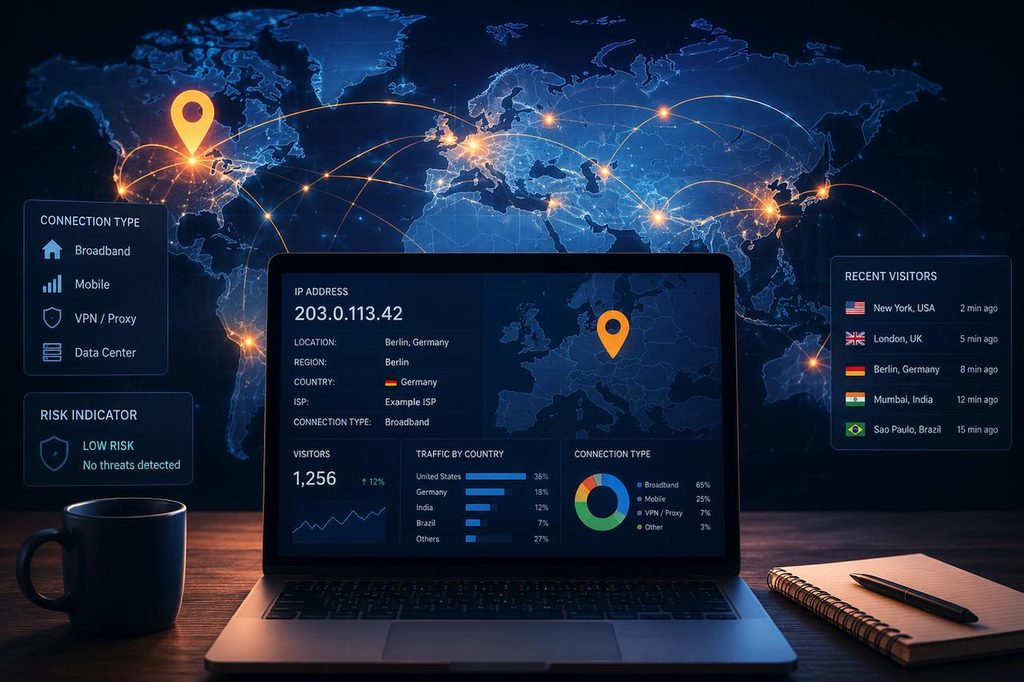
You open your email or banking app and see a message: New sign-in from Delhi, 2 AM. But you were asleep in Mumbai. Or you notice your notification preferences changed, but you never touched them. These moments are confusing, and sometimes they signal a real problem.
India’s cybersecurity authority, CERT-In, handled over 29.44 lakh cyber incidents in 2025. Knowing how to read your account settings is a basic but genuinely useful habit. This guide answers the questions most people have when they come across something unfamiliar in their account.
What Does Unfamiliar Setting Actually Mean?
An unfamiliar setting in an online account is any option or detail you don’t remember choosing or changing. It could be a login session from a city or device you don’t recognise, a changed recovery phone number, notifications that were switched off when you always kept them on, or a linked app you never added yourself.
These things live inside the Settings or Security section of most accounts, whether it’s Gmail, Instagram, a banking app like HDFC or SBI, a UPI-linked wallet, or a gaming platform.
Why Does My Account Show a Login From an Unknown Location?
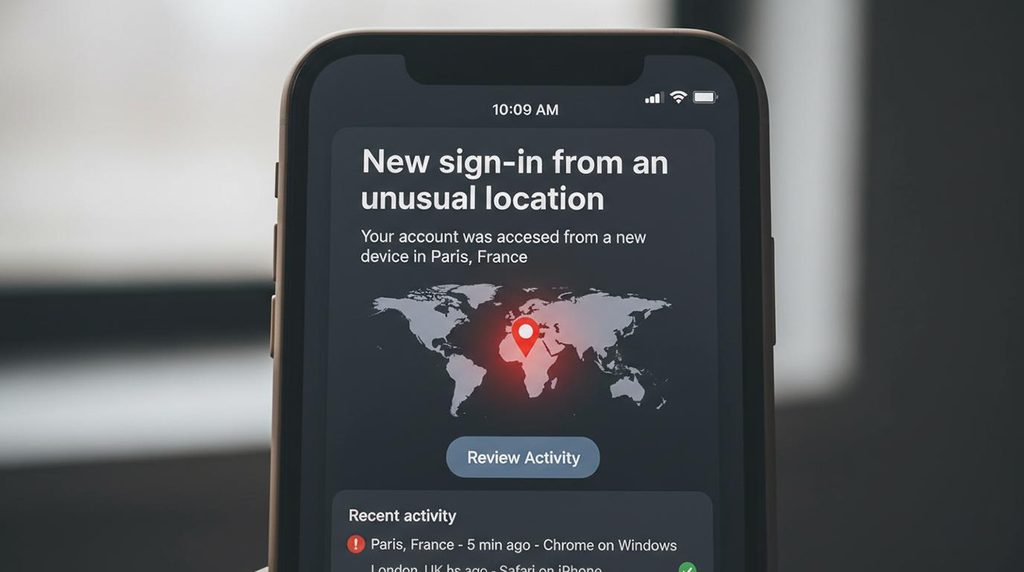
This is one of the most common reasons people get worried, but it doesn’t always mean someone else was in your account. There are several normal explanations.
You used a VPN. A VPN changes your visible IP address. If you connected to a server in Bengaluru while sitting in Kolkata, the account logs Bengaluru.
Your mobile data provider routed through another city. ISPs in India sometimes route traffic through a different city than where you actually are. This can make Mumbai appear as Pune or vice versa.
You cleared your browser cache or switched browsers. Many platforms treat a new browser or cleared cookies as an unrecognised device and log it as a fresh session.
A family member used your account from a different Wi-Fi. Even logging in from the same city but a different network can look like a new location to the platform.
So the location shown alone is not always a red flag. You need to look at a few things together.
How to Tell If a Common Question About Unfamiliar Settings Points to Real Danger
Here is a simple way to think about it. If you see something you don’t remember doing, ask yourself three questions. Did I log in from a different device or location around that time? Is there more than one unfamiliar change at the same time? Does the change involve my recovery contact details or password?
One strange login from a slightly wrong city, with no other changes, is usually a false alarm. But if your recovery phone number was changed, your password was reset, and there’s a login from another state all on the same evening, that combination needs immediate attention.
| What You See | Likely Cause | Action Needed |
|---|---|---|
| Login from wrong city, same time zone | VPN or ISP routing | Review; no urgent action |
| New device listed after you switched phones | New device or cleared cookies | Confirm and mark as trusted |
| Recovery email or phone number changed | Possible unauthorised access | Change password immediately |
| Login at 3 AM when you were sleeping | Possible account compromise | Act right away |
| App permissions changed without you | Possible unauthorised access | Revoke access, reset password |
Which Settings Should You Check First?
Most accounts have a security or privacy section. Go there before you do anything else.
Active sessions or devices. This shows every device currently logged into your account. If you see a phone model or location you don’t recognise, sign it out from that device right away.
Recovery contact details. Your registered mobile number and backup email are the keys to your account. If either has changed without your knowledge, someone may be trying to lock you out before you notice.
Connected apps and third-party access. Many platforms allow other apps to link to your account. Check this list and remove anything you don’t recognise or no longer use.
Notification and privacy settings. If alerts were turned off, that could mean someone didn’t want you to receive security messages about their activity.
On any new online platform, the moment you complete a lotus365 signup, go directly to the security settings, set a strong password, and add a registered mobile number. This ensures you receive alerts the moment anything changes.
What to Do Right Away If Something Looks Wrong
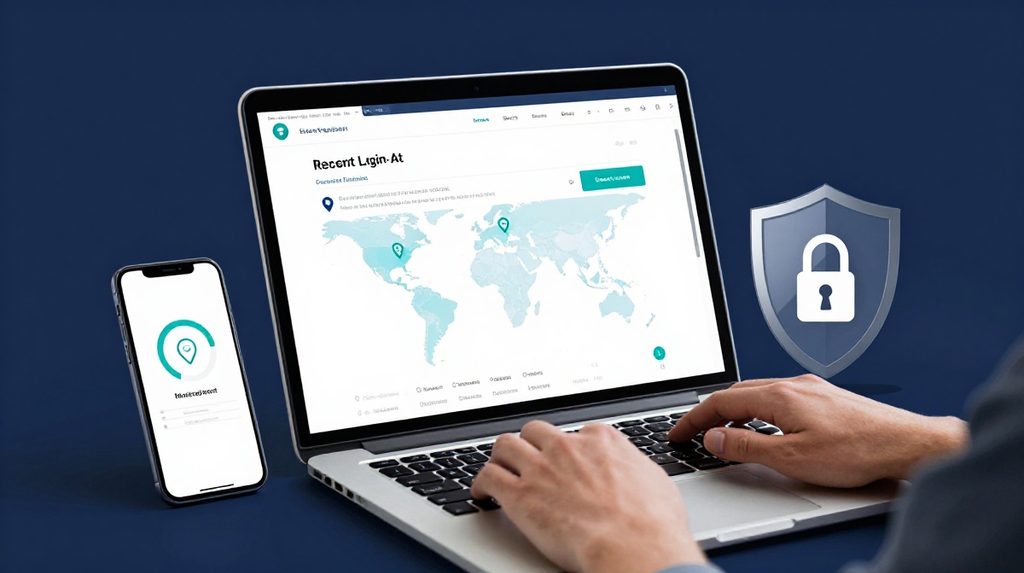
Do not wait. Take these steps in order.
- Change your password from a trusted device. Use a mix of letters, numbers, and symbols. Do not reuse a password you have used elsewhere.
- Turn on two-step verification. This means the account needs your password AND a one-time code sent to your phone. The Reserve Bank of India has made this mandatory for digital payment transactions. Most email, social media, and banking apps support it.
- Sign out of all other sessions. Google, WhatsApp, and most banking apps have a sign out from all devices option in settings.
- Check your recovery phone number and email. If either was changed, contact the platform’s support team immediately.
- Report to cybercrime authorities if money was involved. File a complaint at cybercrime.gov.in or call the national helpline 1930.
If you use a platform’s lotus365 login page and notice that your account activity or balance looks different from what you last remember, treat it the same way change your password and contact support without delay.
Does an Unfamiliar Alert Always Mean Your Account Was Hacked?
No, not always. VPNs, new devices, and ISP routing all trigger false alerts regularly. Platforms send these warnings because they would rather alert you unnecessarily than miss a real breach.
That said, never ignore these alerts entirely. The safe habit is to spend two minutes checking the details whenever you get one, rather than dismissing it. Given that cybersecurity incidents in India rose by nearly 76 per cent between 2020 and 2024, the habit of checking is worth building now.