Why Websites Temporarily Limit Repeated Login Attempts

You sit down to log in to your account. You type the password once. Wrong. You try again. Still wrong. By the fourth attempt, a message appears on your screen: Too many failed login attempts. Please try again later. You’re locked out of your own account, and you have no idea what you did.
This happens to thousands of people across India every day, on banking apps, streaming services, gaming platforms, and shopping sites. The frustrating part is that it often happens when you’re not doing anything suspicious. The good news is this is not a glitch, and it almost never means your account was hacked. The website is actually protecting you.
What Temporarily Limited Really Means
When a site limits your login attempts, it blocks further tries for a set window of time. This could be 15 minutes, 30 minutes, or up to an hour, depending on the platform’s security rules. After that window passes, you can try again.
The block can work in two ways. Some platforms lock the account itself, so no one can get in even with the correct password. Others block the IP address, which is the unique number assigned to your internet connection. An IP block affects everyone on your Wi-Fi during that period, not just your device.
Why Websites Do This The Brute Force Problem
The biggest reason websites put this protection in place is to stop something called a brute force attack. In plain words, this is when a hacker uses an automated program to guess your password by entering hundreds or thousands of combinations, one after the other, very quickly.
Without any limit, a bot could try password1, then password@123, then your phone number as a password, and so on, all night long. Most people use fairly predictable passwords, and these scripts are built to crack them. By blocking attempts after just a few failures, the website makes this kind of attack useless. A script that can only make five tries every 30 minutes would take decades to guess even a simple password.
This protection runs quietly on almost every serious platform today, from net banking to entertainment apps. If you use a platform like lotus365 blue to access gaming features, this kind of security is working in the background every time you open the app.
Other Things That Can Trigger a Lock
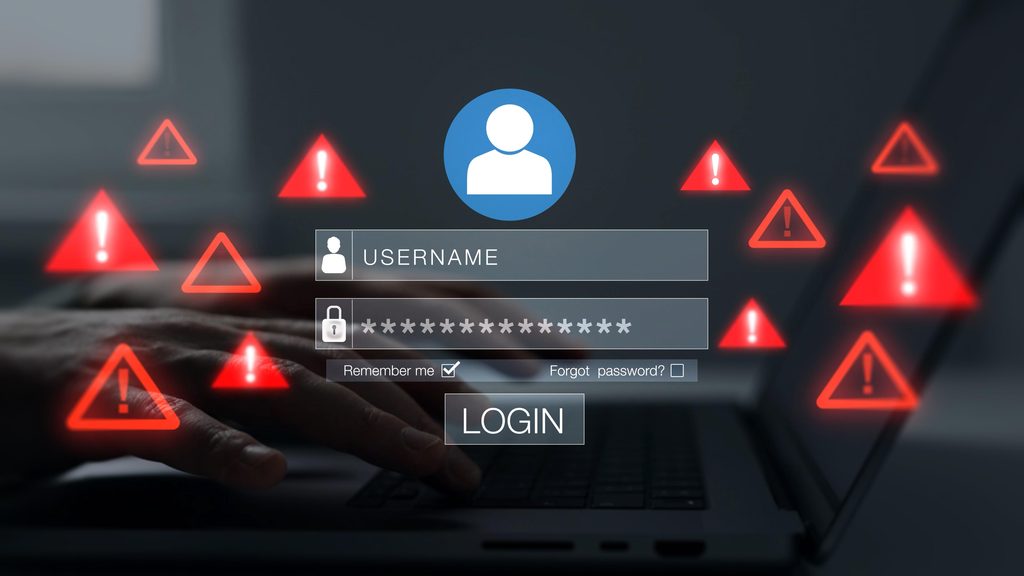
Wrong passwords are the most common cause, but not the only one. A few situations can trigger a lock even without any hacker involved.
Your browser may be auto-filling an old saved password you changed weeks ago. Each time it fills in the wrong one, the counter goes up. If someone else on your shared Wi-Fi is failing to log in to the same platform, an IP-level block can affect your device too. Using a VPN is another common trigger, since your VPN may route your connection through an IP address that was already flagged by someone else earlier.
Switching between mobile data and Wi-Fi while trying to log in can also create unusual patterns that some security systems flag. None of these involve a real attack, but the system cannot always tell the difference in the moment.
How Long Does the Block Last?
Most platforms use a tiered approach. The first lock is usually short. If failed attempts continue after the first block lifts, the next period gets longer.
| Failed Attempts | Typical Lock Duration |
|---|---|
| 3 to 5 | 10 to 15 minutes |
| 6 to 10 | 30 minutes |
| More than 10 | 1 hour or longer |
These numbers vary by platform. Banking apps in India tend to be stricter because of RBI guidelines on digital security. A gaming or entertainment platform may use slightly different thresholds, but the logic is the same across all of them.
What to Do Right Now If You Are Locked Out
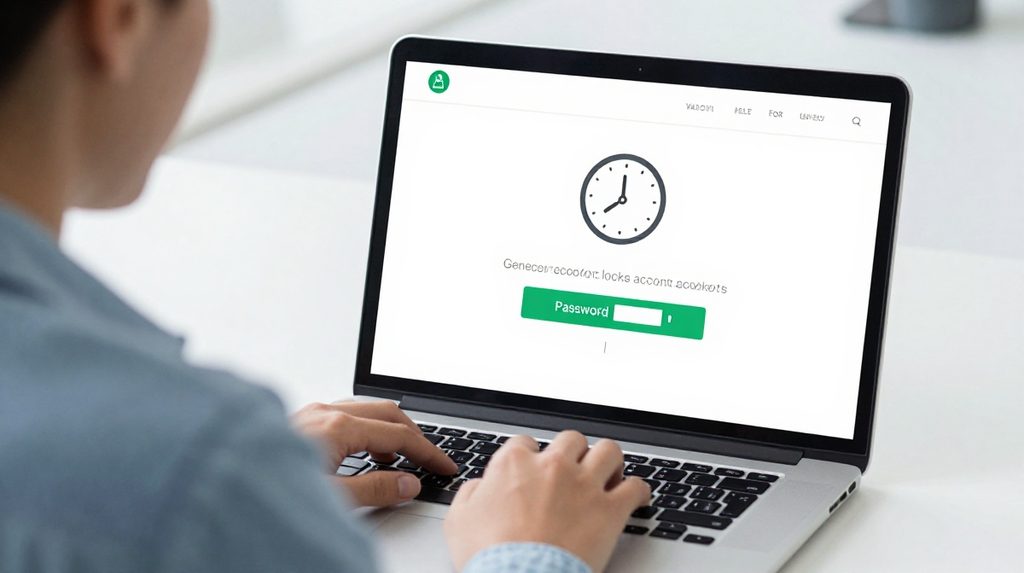
The most important thing: stop trying. Every additional failed attempt may extend the timer, not shorten it.
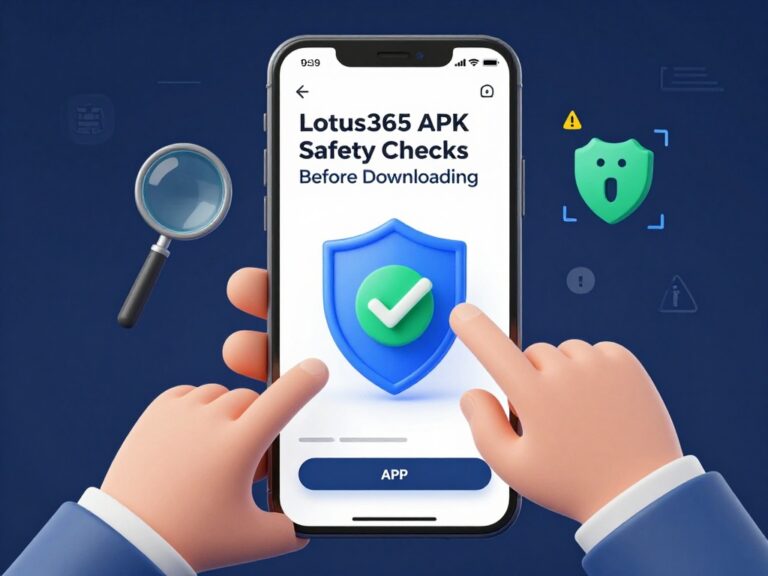
While you wait, use the Forgot Password option if there is any chance you have the wrong credentials. Reset it before the lock lifts, so you are ready to go the moment the block expires. If you are using a downloaded app and are not sure you have the correct version, verify it. The official lotus365 apk should always come from the platform’s own website, since an unofficial version may cause login errors unrelated to your password.
If the problem keeps repeating even after a successful reset, contact the platform’s customer support. Give your registered mobile number or email. Most support teams can check whether a real unauthorized access attempt is happening and guide you from there.
How to Avoid Getting Blocked Again
A password manager is the simplest fix. Apps like Google Password Manager or the one built into Chrome save your password and fill it in correctly every time, removing the risk of typing errors under pressure.
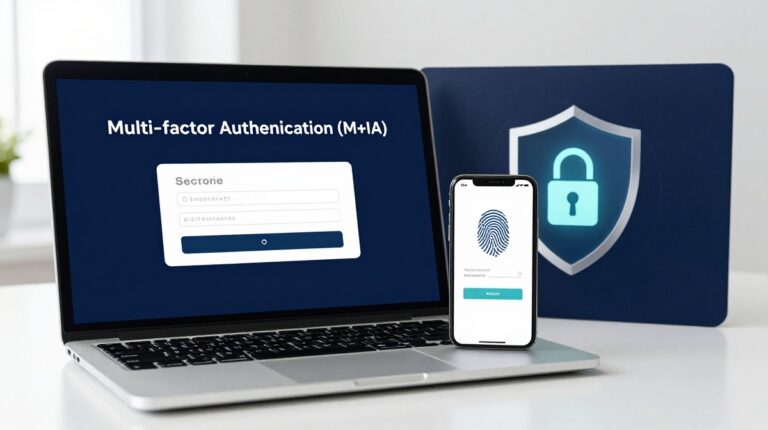
Turn on two-factor authentication (2FA) wherever you see the option. This adds a one-time code sent to your phone after you enter the password. Even if someone does guess your credentials, they cannot get in without physical access to your phone.
Avoid logging in on shared computers in cyber cafes or office labs. If you must use one, always log out and clear the browser history before you leave. Saving your password on a shared machine is one of the most common ways accounts get compromised in India.
For broader guidance, the Indian Computer Emergency Response Team CERT-In, which operates under the Ministry of Electronics and Information Technology, regularly publishes advisories on account security and safe internet practices for Indian users.