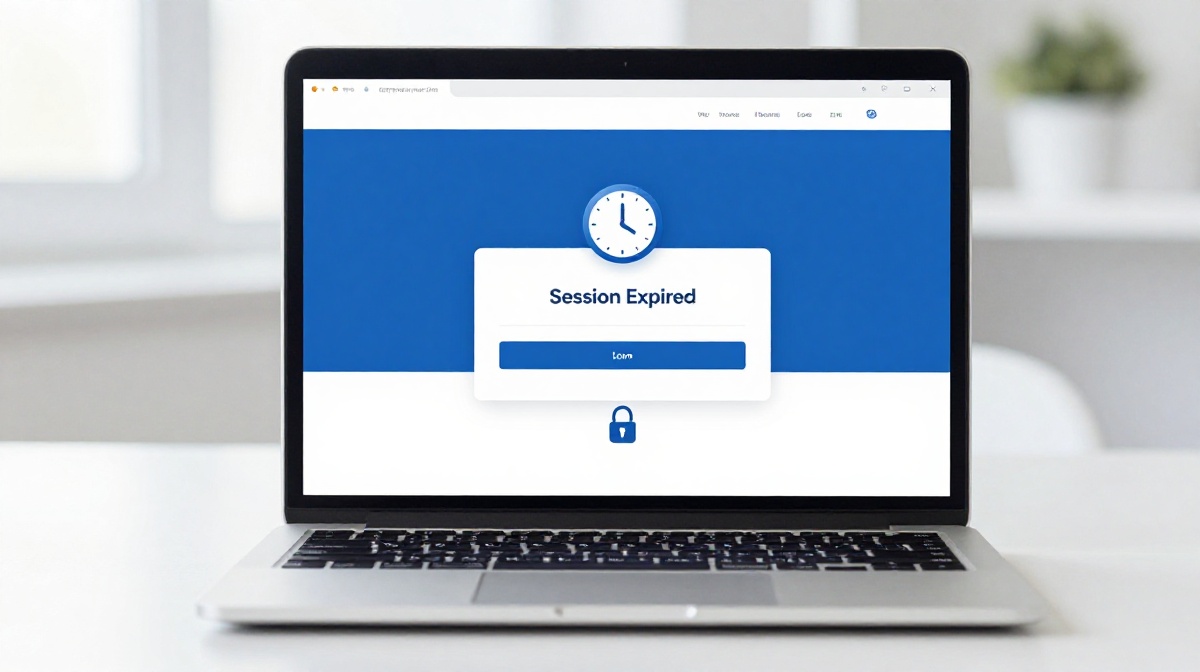
Common Questions About why login sessions sometimes expire automatically

You are in the middle of filling out a government form online. You step away for ten minutes to answer a call. You come back, click Submit, and the screen shows: Your session has expired. Please log in again. All your work might be gone. This kind of frustration is extremely common in India, whether you are using net banking, a UPI app, an exam portal, or a gaming platform. Login sessions expire for specific and deliberate reasons, and once you understand them, the whole thing makes much more sense.
What Exactly Is a Login Session?
When you type your username and password and press Login, the website does not just let you in forever. It creates a temporary pass for your browser, stored as a small file called a cookie. This pass tells every page on that site, Yes, this person already logged in, no need to check again. As long as the pass is valid, you can browse freely without re-entering your password.
That pass has a built-in expiry time. The website sets it. When the time runs out, the cookie is no longer accepted, and you are back to the login screen.
Common Questions About Why Login Sessions Sometimes Expire Automatically
Why does the session expire even when I am actively using the app?
There are two different kinds of timeouts running at the same time. One counts your idle time how long you did nothing. The other sets an absolute limit on how long a single login can last, even if you keep clicking. Session inactivity timeout considers the time elapsed since you last sent a request to the server, while a session lifetime timeout ends your session after a fixed total duration, even if you are actively working.
So if a platform sets its lifetime limit at two hours, you will be logged out at the two-hour mark no matter how busy you were.
Why does my bank app or UPI app log me out so quickly?
It is not a bug. The Reserve Bank of India, through its Master Directions on Cyber Resilience and Digital Payment Security Controls for non-bank payment system operators, has mandated that online sessions on mobile applications be automatically terminated after a fixed period of inactivity, with customers prompted to re-login. Apps like PhonePe, Paytm, and your bank’s own mobile app follow these directions. The short timeout protects you if you leave your phone unattended on a shared screen, or if it is accessed without your knowledge.
SBI’s own internet banking terms also state clearly that it may not be safe to leave the computer unattended during a valid session. Short timeouts are the technical enforcement of that principle.
Why did the session expire on the NEET or JEE exam portal?
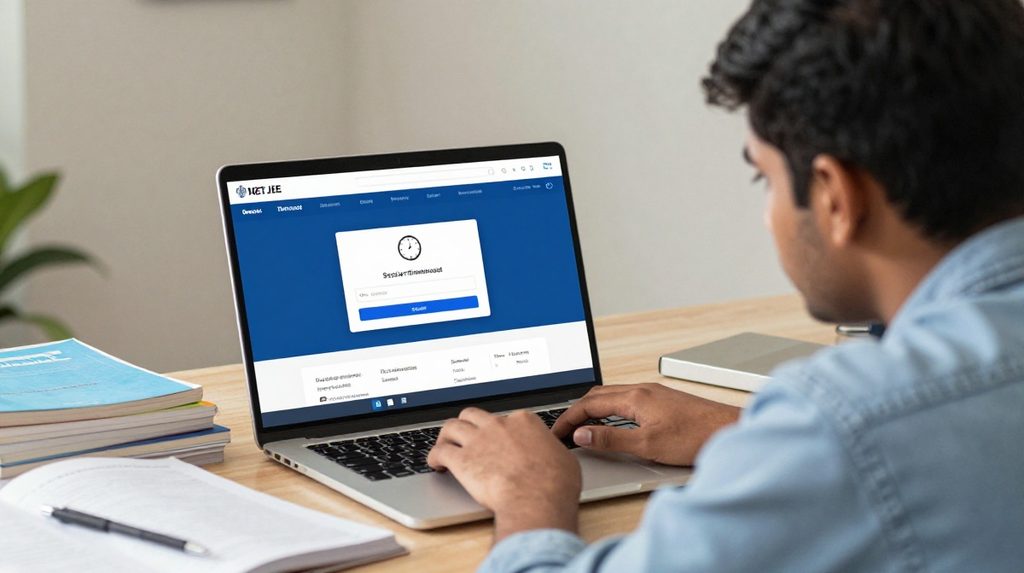
Exam portals set their own inactivity thresholds, sometimes as low as 20 seconds on older builds. If you are taking too long to upload photos or fill in a section, the server counts your pause as inactivity. A common workaround is to make a small, reversible change to the form every few seconds while you sort out your documents, such as temporarily changing a field and then changing it back, to signal to the server that you are still active. This resets the timer. Always save partial progress wherever the portal allows it.
What role do cookies play in all of this?
A login session continues only as long as the website accepts it and the browser still holds the data needed to identify that session. If a cookie is removed or blocked, the website can no longer recognise the existing login, and the session ends.
If your browser is set to delete cookies when it closes, or if you are browsing in incognito mode, you will be logged out the moment you shut the tab. Privacy settings and some extensions that block tracking scripts can also wipe session cookies without warning. This is one of the more confusing causes because nothing on screen tells you it happened.
If I tick Keep Me Logged In, does the session still expire?
Yes, but over a much longer window, usually between 7 and 30 days depending on the platform. Even with the stay logged in option enabled, if you are idle for the app’s standard inactivity period, you may still be timed out after that inactive window. On financial platforms, even a long-remembered session has an upper limit because regulations do not allow indefinite access without re-verification.
Inactive vs. Lifetime Timeout: A Quick Comparison
| Timeout Type | What Triggers It | Typical Duration |
|---|---|---|
| Inactivity Timeout | You stop using the app | 5 to 30 minutes |
| Session Lifetime Timeout | Fixed time from login | 2 to 8 hours |
| Browser Inactivity Timeout | Browser goes idle | 30 to 60 minutes |
Banking and payment apps in India lean toward the shorter end of each range.
What You Can Do About It
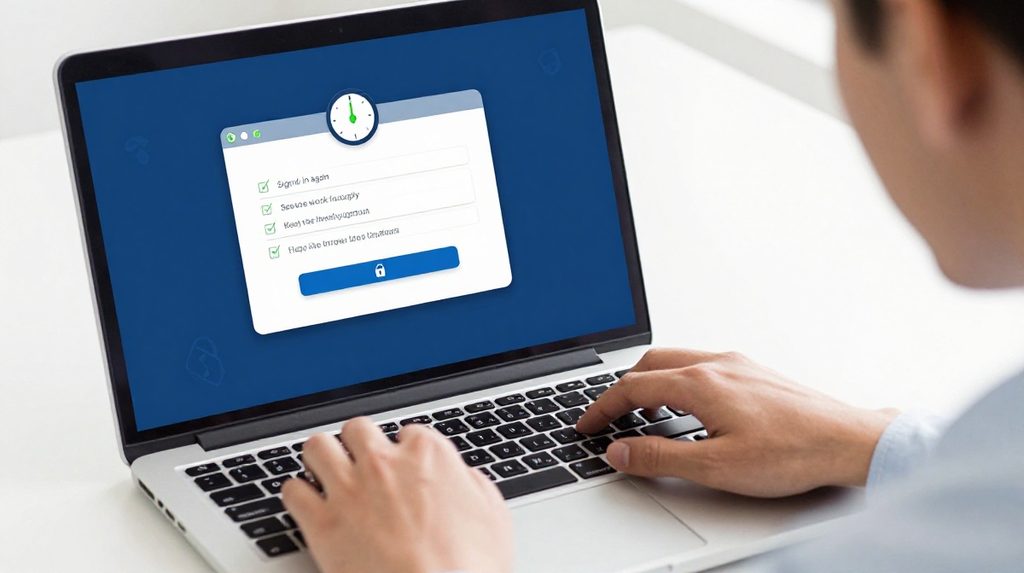
The most practical habit is to finish what you are doing before stepping away. On long forms, save progress in drafts wherever possible. If a session error appears, try opening the site in a fresh tab rather than refreshing, since a refresh sometimes sends you to a broken state.
Clearing your browser’s cookies and cache once every few weeks also helps. Old or corrupted session files can cause sudden logouts that have nothing to do with inactivity. If you find this problem happening often on a specific site, try logging in through a clean browser window to see if the issue disappears.
When you are registering on a new platform, completing the process on a stable Wi-Fi connection is better than mobile data, since switching networks mid-session can interrupt the login. For example, if you are going through a lotus365 signup process, doing it on a steady connection avoids the frustrating scenario where a signal drop logs you out mid-registration.
For returning users, going directly to the lotus365 login page rather than through a saved link is faster and sidesteps expired redirect URLs that sometimes cause session errors.
Please note: Online gaming and real-money platforms in India operate under state-level laws that vary widely. Always confirm that such activities are permitted in your state before registering, and ensure you meet the minimum age requirement of 18 years.