Is the Lotus Betting APK Safe Check Permissions First
India now accounts for 26 percent of all mobile malware attacks worldwide, according to a
January 2026 report by cloud security firm Zscaler. That number is not accidental. With over
600 million Android users and a culture of sharing APK files through WhatsApp and Telegram,
Indian phones are a prime target. If you are planning to install a betting app like Lotus365
through an APK file, understanding how to check it properly can protect your money, your phone,
and your private data.
Why Sideloading a Betting APK Carries Real Risk
An APK, or Android Package Kit, is the file format Android uses to install apps. Apps from the
Google Play Store come checked by Google before they reach your phone. A sideloaded APK, which
you download from a website and install manually, does not go through those same checks.
Betting apps in India typically come as sideloaded APKs because Google does not allow real-money
gambling apps in all regions. This does not make them dangerous by default. The risk is in the
source. A genuine APK from an official platform carries much the same risk level as any Play Store
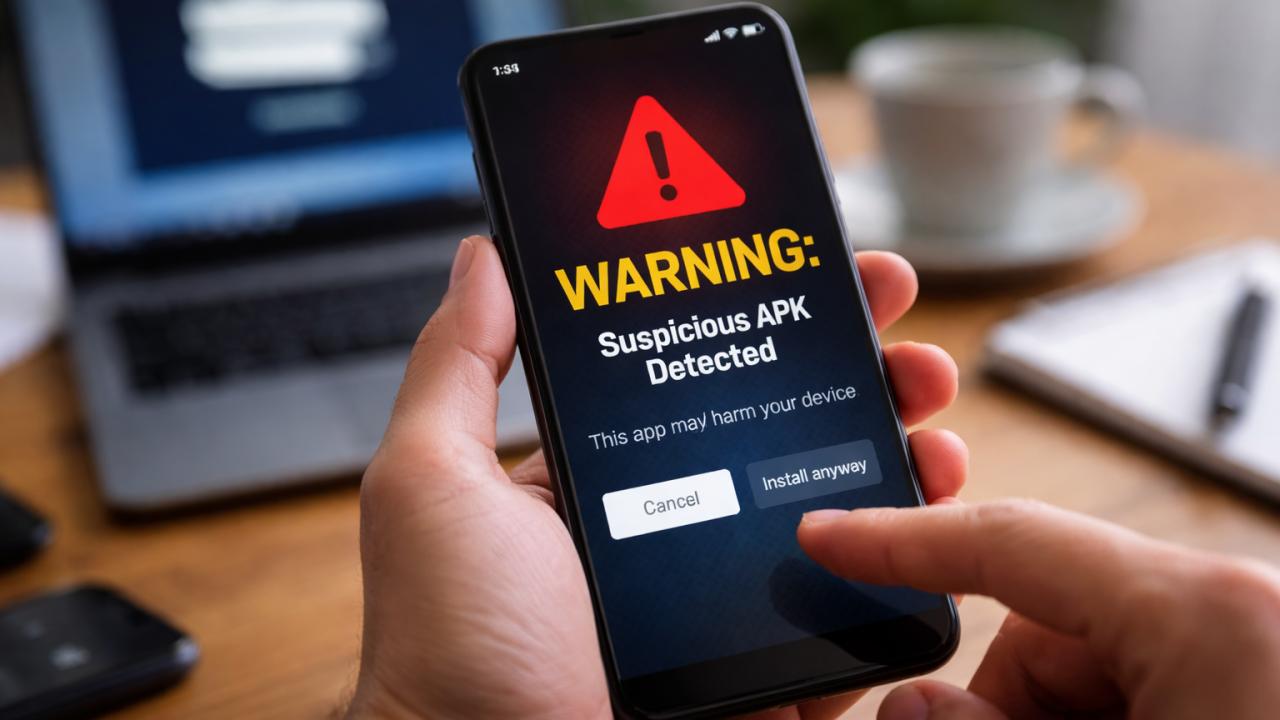
app. A fake or modified version from a random link, however, can contain spyware, banking malware,
or tools that silently steal your OTPs and UPI credentials.
To understand the scale of the threat: mobile threats in India rose 38 percent in 2025 compared to
the previous year. According to Zscaler’s 2025 data,
many of those attacks were carried through fake APKs circulated on social media. APK fraud
campaigns spotted in India in 2026 have used convincing icons and app names to fool users into
installing Remote Access Trojans RATs that take control of the phone completely.
What Permissions Should a Betting App Ask For?
Before you tap Install, Android shows you a list of permissions the app wants. This is your
first and most visible safety checkpoint.
A Lotus Betting APK safety guide is incomplete without this table. Not every permission request
is equal:
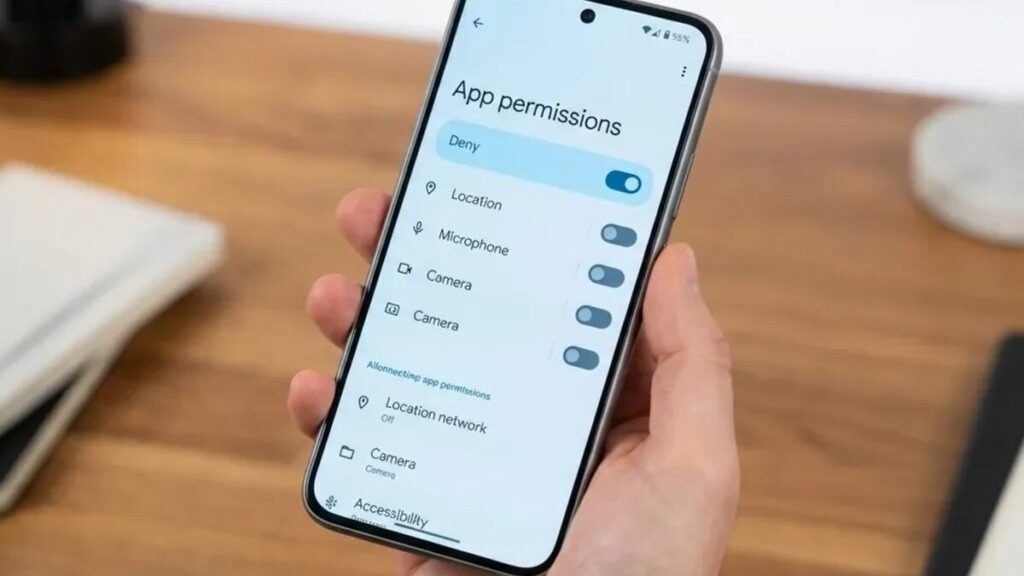
| Permission | Acceptable for a betting app? | Warning if… |
|---|---|---|
| Internet access | Yes, always needed | N/A |
| Storage | Yes, for file downloads | It asks for access to ALL files |
| Camera | Yes, for KYC document upload | App has no KYC process at all |
| Phone state | Yes, for device verification | — |
| SMS read | Acceptable for OTP auto-fill | Source is unverified |
| Contacts | No | Always a red flag |
| Location | No | Unless the app explains a reason |
| Microphone | No | Always a red flag |
A betting platform has no business reading your phonebook or listening through your microphone.
If you see either of those in the permissions list, close the installer and delete the file. Contacts
and microphone access are among the most commonly abused permissions in Indian malware campaigns
targeting banking and wallet data.
How to Run a Lotus Betting APK Malware Check
This process takes about three minutes. Skipping it to save time is not worth the risk when your
UPI account and wallet balance are involved.
Step 1: Use only the official website. Do not download from links shared in WhatsApp groups,
Telegram channels, or forwarded SMS messages. Type the URL yourself or use a saved bookmark. If you want to create an account, go to the lotus365 signup
page on the official site first, which confirms you are on the right platform before you download
anything.
Step 2: Check the file size. The official website usually lists the APK size. Once downloaded,
check that the size on your phone matches. A file that is significantly larger or smaller than
stated may have been tampered with.
Step 3: Scan with VirusTotal. VirusTotal is a free tool owned
by Alphabet Google’s parent company. Open the site on your phone, tap Choose File, and upload
the APK before installing it. The tool runs the file across over 70 antivirus engines and gives you
a result within seconds. If more than two or three engines flag it as suspicious, delete the file
immediately and report the download link.
Step 4: Check the developer signature after installation. Go to Settings, then Apps, then find
the installed app. Under App Info, the package name and developer details should match what the official website states. Any mismatch is a sign the version you installed is not genuine.
Step 5: Revoke the unknown sources permission. After the install, go back to Settings and turn
off the permission to install apps from unknown sources. Leaving it on permanently creates an opening for drive-by installs from other malicious links you might tap by accident.
How to Update the App Without Getting Tricked
Updates are where many users lower their guard. A common attack in India sends a fake new version available message through SMS or WhatsApp, and the link points to a modified APK that silently replaces the real app on your phone.
The safest rule is straightforward: only download updates from the same official website you used for the original install. Never tap an update link from a message, even if it looks official. Open the official site directly each time. To access your account through the official page, the
lotus365 login link takes you to the verified login screen, which is also a good way to confirm the domain looks exactly as expected before downloading anything new.
After every update, check the permissions list again. Some updates quietly add new permission
requests. You are fully within your rights to deny any permission that does not make sense for a
betting app.
Basic Safety Habits After Installation
A clean install is the beginning, not the end. Use a strong password for your betting account,
different from what you use for your email or UPI apps. Enable two-factor authentication wherever the platform offers it.
Keep your Android version updated. Security patches released by phone manufacturers fix known weaknesses that malicious apps can exploit. If your phone shows unusual battery drain, unexpected SMS activity, or apps opening on their own after you installed a new APK, run a full antivirus scan straight away. Apps like Quick Heal Mobile Security are built specifically for Indian Android users and scan APKs automatically before they install.
What Indian Users Should Know About Betting Laws
Online betting sits in a legal grey area in India. The Public Gambling Act of 1867 is the main
central law, but it was written before the internet existed and does not specifically address online
platforms. Some states such as Sikkim and Goa have their own regulations permitting certain forms of online gaming. Other states such as Telangana and Andhra Pradesh have passed stricter laws.
Check the position in your specific state before depositing any money. You must be 18 years of age or older to use any real-money betting platform. Betting always carries the risk of financial loss. If you are unsure about the legal position where you live, consult a lawyer before you play.