Multi-Factor Authentication Your Questions Answered
Digital fraud cost Indians INR 36,013 crore in FY2024-25. That number jumped up from INR 12,230 crore the year before. The single biggest reason these attacks work is simple: most people protect their accounts with only a password. Multi-factor authentication (MFA) changes that, and India’s rules now make it mandatory for all digital payments. If you’ve been wondering what MFA actually is, how it works, and whether it applies to you, this article has the answers.
What exactly is multi-factor authentication?
MFA means your account verifies your identity in more than one way before letting you in. A password alone is one way. Combine that with a fingerprint scan or an OTP sent to your phone, and you have MFA.
Think of it like the lock on an ATM room. There’s a card slot to get through the door, and then a PIN pad at the machine. You need both. One stolen card isn’t enough. MFA works on the same logic for your online accounts.
Why is a password alone no longer enough?
Passwords get stolen in ways you’ll never notice. A website you registered on years ago may have had a data breach. A phishing link may have tricked you into typing your credentials somewhere fake. Or your password might be common enough that an automated script can guess it within minutes.
In 2023 alone, approximately 5.3 million sets of credentials were compromised in India. Once a criminal has your password, an account with no second layer is open. MFA means they would also need your phone, your fingerprint, or a one-time code that expires in 30 seconds. That’s far harder to steal.
What are the three types of MFA factors?
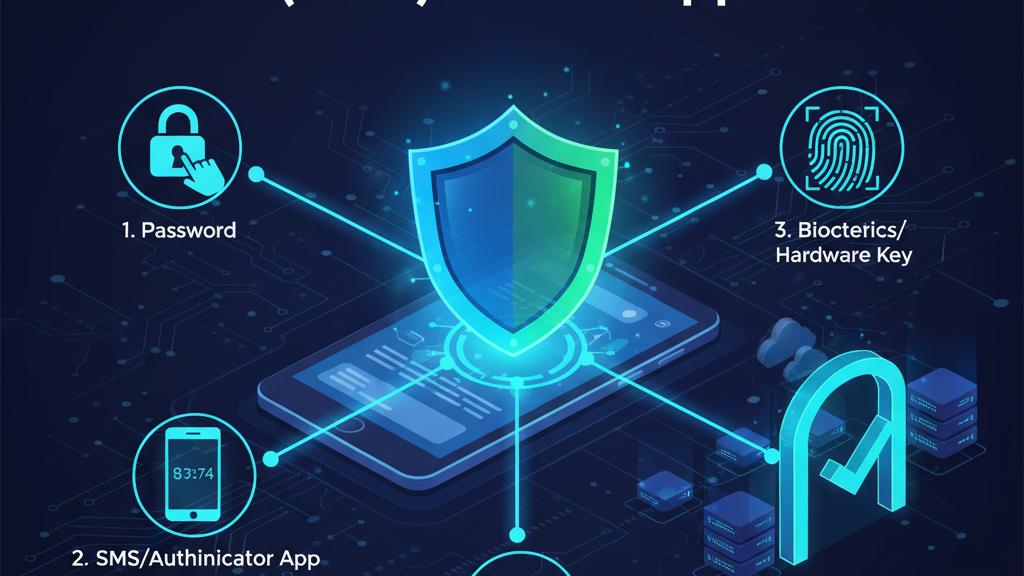
Every identity check falls into one of three categories. True MFA must use at least two of them.
| Factor | What it means | Common examples in India |
|---|---|---|
| Something you know | Information only you should have | Password, ATM PIN |
| Something you have | A device or object you carry | Your mobile (OTP), an authenticator app |
| Something you are | A physical trait unique to you | Fingerprint, face scan |
A password and a PIN together are both something you know, so that’s not MFA. A password plus an OTP or fingerprint, though, covers two different categories. That qualifies.
Is MFA now required in India for digital payments?
Yes. From April 1, 2026, the Reserve Bank of India introduced new rules requiring that digital payments use two-step verification. Transactions now need an additional step such as entering a PIN, using a fingerprint, or completing a face scan, alongside the usual OTP.
The RBI’s Authentication Mechanisms for Digital Payment Transactions Directions, 2025, effective April 1, 2026, mandate stronger multi-factor authentication and signal a move away from password-plus-SMS OTP as the default.
This is why your banking app, UPI wallet, and card payment pages may look slightly different now. The government has also indicated that similar authentication requirements will extend to international card payments. You can read the broader cybersecurity advisory framework on CERT-In’s official advisory page, which covers MFA as a core recommended practice for all users.
What is the difference between MFA and 2FA?
Two-factor authentication (2FA) is one type of MFA. The only difference is the count. 2FA always involves exactly two factors. MFA is the wider term that covers two or more.
In everyday banking in India, when you enter your password and then an OTP, that is 2FA. It is also MFA. The two terms are used interchangeably in most contexts. If someone says enable 2FA, they are asking you to do the same thing as enabling MFA on that platform.
What MFA methods do Indian apps commonly use?
SMS OTP: A code sent to your registered mobile number. This is what most Indians encounter with banking and UPI. The RBI’s 2025 directions push toward stronger alternatives since SIM-swap fraud can intercept SMS codes.
Authenticator apps: Google Authenticator and Microsoft Authenticator generate a six-digit code every 30 seconds. You don’t need mobile data or a SIM to use them. This makes them more reliable than SMS in areas with patchy connectivity.
Biometrics: Fingerprint and face scan are already standard on most UPI apps and Aadhaar-linked services. These fall under the something you are category.
Device-bound authentication: Some banking apps now confirm your identity by checking that the login is coming from your registered device, without you entering any code at all.
Should I turn on MFA on apps beyond my bank account?
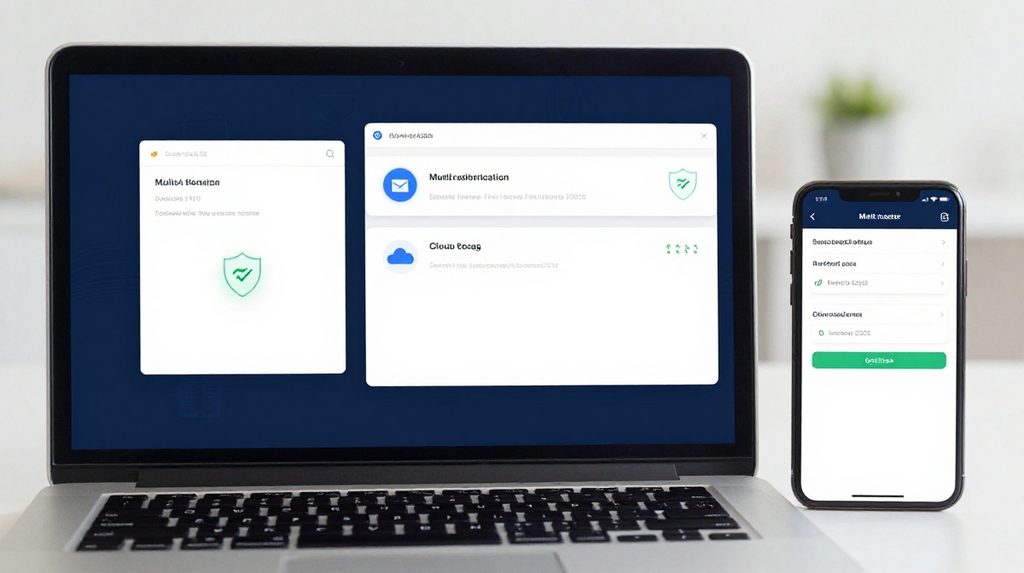
Yes. Any account where money is involved, your identity is stored, or a breach would harm you should have MFA turned on. That includes email, e-commerce logins, social media, and entertainment or gaming platforms.
If you use the lotus365 blue version of a gaming platform, turning on two-step login protects your account from unauthorised access, especially since gaming accounts are often linked to deposit wallets. Similarly, if you install apps through a source like lotus365 apk, the first thing to do after setup is enable whatever MFA option the platform provides before adding any payment details.
The habit of enabling MFA on every account, not just your bank, is what closes the gaps that fraudsters exploit.
Does MFA slow down your login experience?
By a few seconds, yes. Tapping a fingerprint or reading an OTP takes less than 10 seconds in most cases. Once the habit forms, it becomes as automatic as unlocking your phone.
The situation that actually causes trouble is losing access to your second factor, usually because you lost your phone. This is why every platform gives you backup codes at the time of MFA setup. These are one-use codes that let you log back in. Write them down and store them somewhere separate from your device. Many people skip this step and regret it later.
What does it mean if you get an MFA prompt you did not request?
It means someone else is trying to log into your account. Do not approve the notification or read the OTP to anyone. Change your password right away and report the login attempt to the platform.
A common scam in India involves a caller pretending to be from your bank and asking you to share the OTP you just received. No legitimate bank or app will ever call you to ask for an OTP. If someone does, it’s a fraud attempt. Cut the call.